Introduction
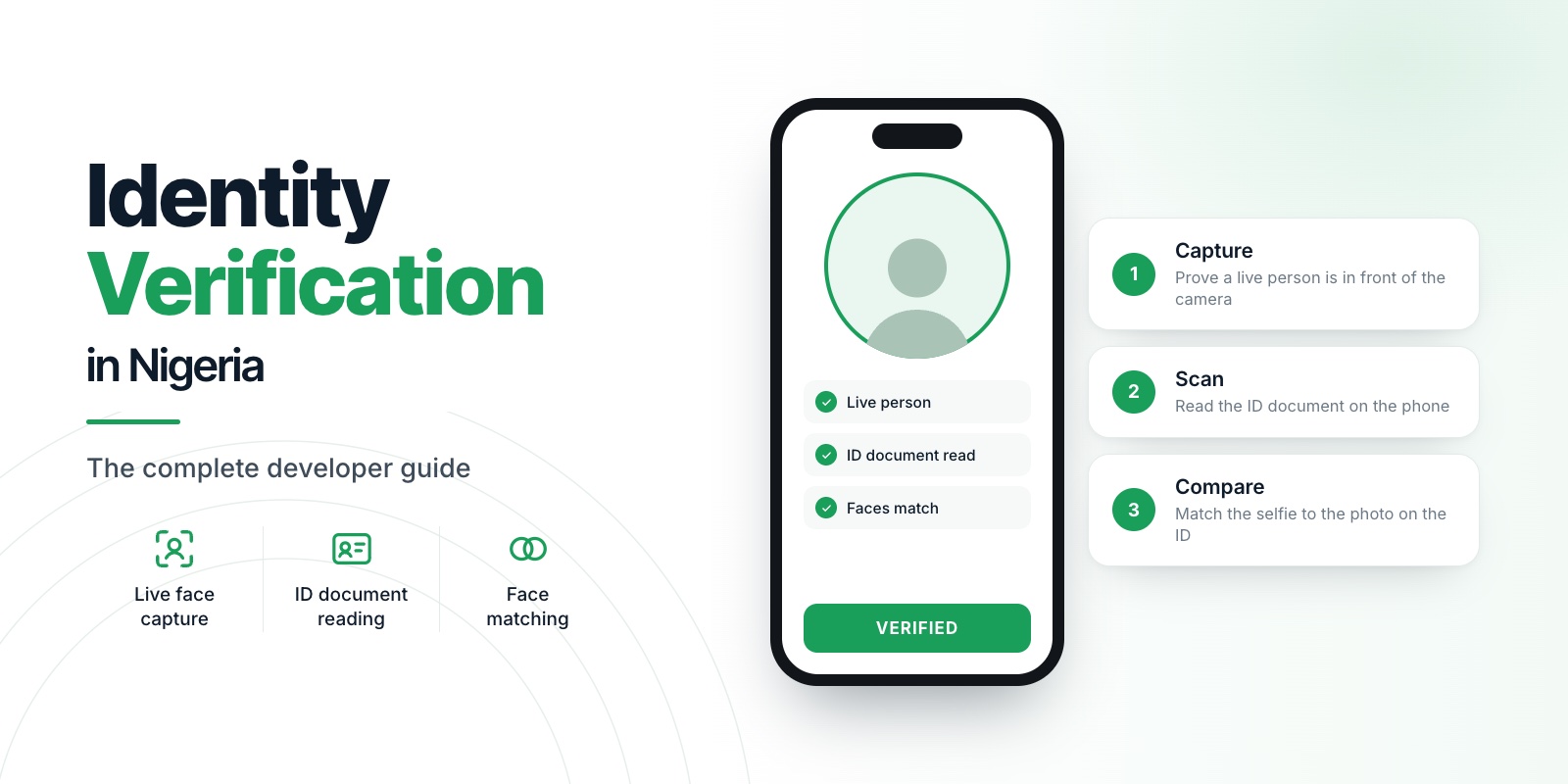
New to identity verification in Nigeria? Start with our complete developer guide.
Build a verification backend that cannot be replayed, forged or turned into a data breach, with two routes and a handful of rules. This guide covers sessions, one-time nonces, signed results, safe retries and an audit trail that holds no images.
Skip building the hard part. Veris signs the result on the phone and verifies it for your backend, so you do not have to build device signing yourself. Start free
For the surrounding concepts, see the complete developer guide.
01Principle 1: the phone is not trusted
Anything the app tells you can be forged by someone who controls the device. So the decision (verified or not) must be made on your server, from evidence you can check, never from a flag the app sends.
That evidence comes from two sources:
- A signed result produced by the capture SDK on the device and verified through Veris on your backend.
- A face match that your backend requests itself, from images it holds in memory, using a key that never leaves the server.
02Principle 2: one session per verification
Model each attempt as a session with a small state machine. A session record is enough:
session
  id            uuid
  user_id       who is being verified
  nonce         one-time value issued for this session
  state         created, captured, matched, approved, rejected, expired
  created_at    when the nonce was issued
  expires_at    short TTL, for example 10 minutes
  decision      accept, manual_review or reject (once decided)
  score         similarity percentage (once matched)
  use_case      which threshold preset was used
Keep the record small and free of biometrics. It is evidence of what was decided and why, not a copy of the user.
03Principle 3: a nonce stops replay
A nonce is a unique value your backend issues for each session. The SDK embeds it in the signed result. When the result comes back you check two things: that you issued this nonce to this user, and that it has not been used before.
const ok = await redis.set(`nonce:${nonce}`, userId, { NX: true, EX: 600 });
// NX means "only set if it does not exist": the second use fails.
Use a store with expiry (Redis is a good fit) rather than a table you must clean up. A replayed result then fails because the nonce is already spent, and an old result fails because the nonce expired.
04Principle 4: verify signed results server-side
The result from the capture SDK is a signed token. Do not decode it and trust it. Send it to the verification endpoint from your backend, with your license key, and act only on the answer:
const r = await fetch('https://api.verisinfra.com/v1/sdk/verify-result', {
  method: 'POST',
  headers: { 'Content-Type': 'application/json' },
  body: JSON.stringify({ license_key: process.env.VERIS_LICENSE_KEY, token: signedResult }),
});
const verdict = await r.json();
// 200: { ok: true, valid: true, environment, nonce_status, plan, verified_at }
// 4xx: { ok: false, valid: false, error, reason, message }
if (!r.ok || !verdict.valid) { /* reject, and log verdict.reason */ }
Rejection reasons include NONCE_REPLAYED, NONCE_EXPIRED, NONCE_NOT_FOUND, INVALID_SIGNATURE and SANDBOX_RESULT_REJECTED. Log the reason, not the token contents, and tell the user something generic and safe.
Once the token is verified, you can read the quality and liveness scores from its payload, then compare the nonce in it with the one you issued for this session.
05Principle 5: treat images as radioactive
If a face or ID image reaches your server, handle it as a liability.
- Keep it in memory and send it to the comparison call, then drop it.
- Never write it to disk, to a queue or to a log.
- Redact request bodies in your logging middleware.
- Store the decision, the score and the time, not the image.
The less you hold, the less you can lose, and the smaller your obligations under the Nigeria Data Protection Act. See NDPR Compliance for Identity Verification.
06Principle 6: design for retries and failure
Real networks drop. Design every step to be safe to retry.
- Idempotency. Key each verification by session id. A repeated "compare" for the same session should return the stored decision, not run a second comparison and a second charge.
- Back off on 503s. If the comparison engine reports it is busy or unavailable, retry with exponential backoff and respect any
Retry-Afterheader. Those responses do not use your quota. - Distinguish user errors from system errors.
FACE_NOT_DETECTEDmeans ask for a new capture. A timeout means retry. Never show the user a raw error. - Set timeouts. A verification that hangs should end in a clear "try again" state, never a spinner.
07Principle 7: protect the endpoints
Your two routes (issue a nonce, submit a result) are attack surfaces.
- Require an authenticated user for both.
- Rate limit per user and per IP. Bots find verification endpoints quickly.
- Cap the number of attempts per user per day and send the repeaters to manual review.
- Cap payload sizes. Reject anything over the limit before it reaches your handlers.
- Keep the license key in a server-side secret store, never in the app or the repository.
08Principle 8: record decisions you can explain
Months later, a regulator or a customer may ask why a person was approved or rejected. Keep an audit record per decision: session id, user id, timestamp, the checks that ran, the liveness status, the score, the threshold preset, the recommendation and who or what made the final call. Do not add images.
When a decision was manual_review, record the reviewer and their outcome. That is what turns a score into a defensible process.
09Putting the flow together
- App asks your backend for a session. Backend creates it and returns a nonce.
- App runs the capture with that nonce and receives a signed result.
- App sends the signed result to your backend.
- Backend verifies it, checks the nonce and marks the session as captured.
- Backend receives the document face and live face, calls the face match, and applies the threshold.
- Backend records the decision and returns a clear outcome to the app.
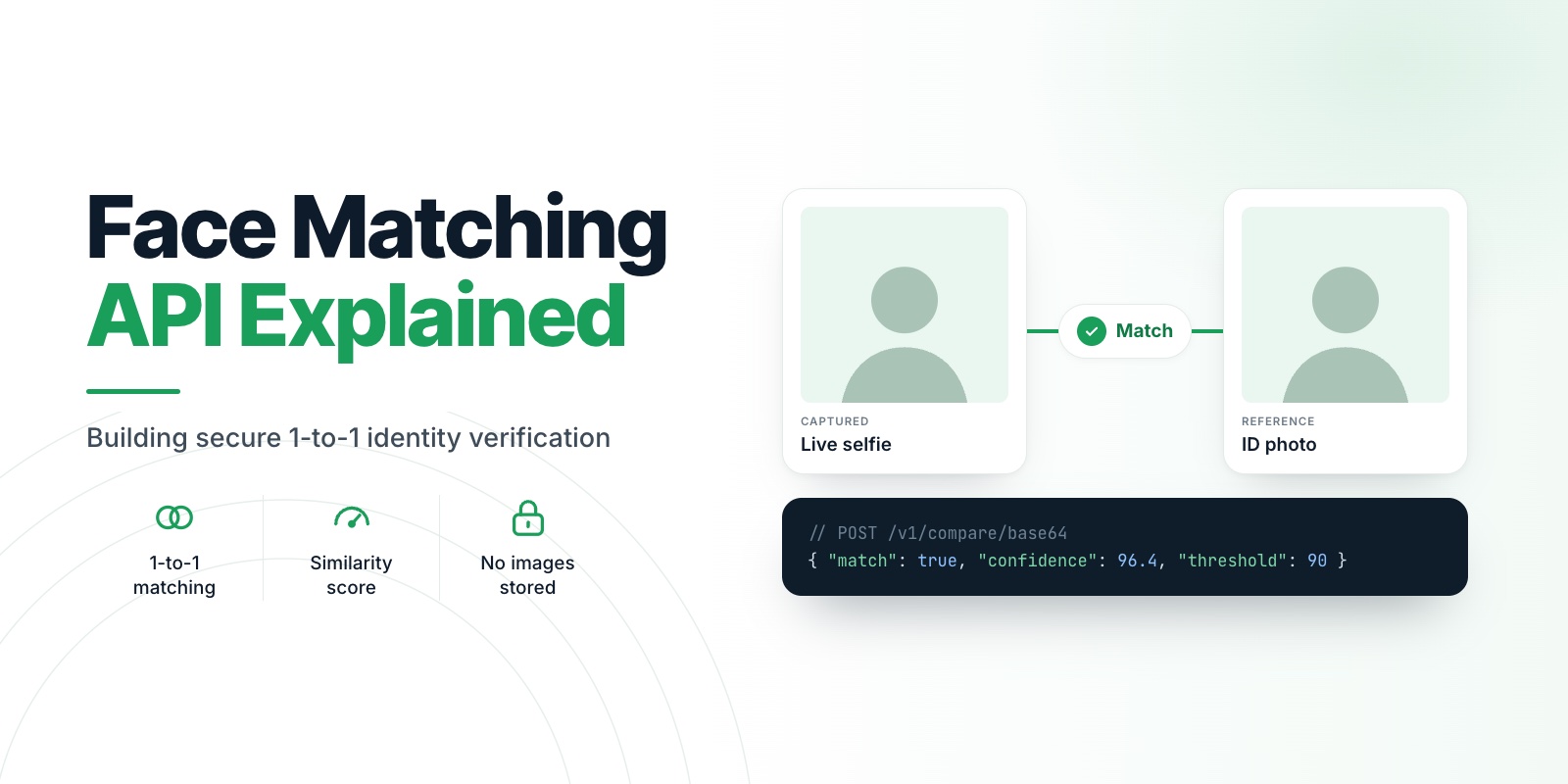
The matching step is explained in Face Matching API Explained, and the SDK side is in the liveness integration guide. Product pages for Capture, Scan and Compare show how the three pieces fit on one key.
10What waiting costs you
The shortcut most teams take is to trust a flag from the app: verified: true. Anyone who controls the device can send that flag, so the check protects nothing. Replace it later and you will rewrite the flow after real users depend on it.
The other shortcut is storing the images "just in case". That turns a verification feature into a liability: something to secure, disclose, retain and eventually lose.
Doing it right is cheaper at the start than at the first incident.
11What Veris takes off your plate
- Signing on the device. The result is signed on the phone, so you are not inventing a trust scheme.
- Server-side verification. One call from your backend confirms the signature and the nonce and tells you why a result was rejected.
- Replay protection. A nonce marked as used cannot be used again.
- No images to protect. Capture and Scan run on the phone, and Compare deletes images after every request.
- A key that stays on your server. Every decision is made where an attacker cannot reach it.
12The doubts you probably have
"We can build our own signing." You can, and it is a real project: device keys, attestation, rotation and verification. Veris already does it, so your time goes into your product.
"What about scale?" The design here is stateless apart from the nonce store. Use Redis with expiry, key every operation by session id and add rate limits. The comparison engine returns busy or unavailable responses that do not use your quota, so retries are safe.
"What if Veris is down?" Design for it. End the session with a clear retry message, retry with backoff and never approve without a verified result. The SDK also returns a clean result if validation is unavailable, and your app decides what to do.
"Is this locked in?" The routes in this article sit behind your own interface. The vendor-specific parts are two calls.
13Your next step
Build the two routes against the sandbox. Replay a nonce, send a tampered payload and confirm both are rejected. If they are, you have a verification backend that holds up, and you did not have to build the trust layer.
Create your free Veris account · Free to start · no card · all three products. Product details are on the Capture, Scan and Compare pages.
14FAQ
What is a nonce in identity verification?
A nonce is a one-time value your server issues for one verification session. The SDK embeds it in the signed result, and your server accepts the result only once. It prevents an attacker from reusing a captured result.
Should the mobile app call the face matching API directly?
No. The call needs your license key, which must stay on your server. Have the app send results to your backend and let the backend make the call.
What should I store after a verification?
Store the decision, the similarity score, the threshold preset, the timestamp, the liveness status and the session id. Do not store face or ID images unless you have a specific legal reason and a plan to protect them.
How do I handle a comparison that times out?
Retry with backoff using the same session id so the operation is idempotent. If it still fails, end the session with a clear retry message instead of leaving the user waiting.