Introduction
New to identity verification in Nigeria? Start with our complete developer guide.
NDPR compliance is no longer optional for developers. Every fintech, lending platform, digital bank, healthcare portal, insurer, government platform, and enterprise app that processes personal data in Nigeria has a duty to protect it.
Many teams think compliance starts with legal documents. In practice it starts with architecture. The choices you make designing APIs, storing customer data, processing documents, and handling biometric verification directly determine whether your app aligns with the Nigeria Data Protection Regulation (NDPR).
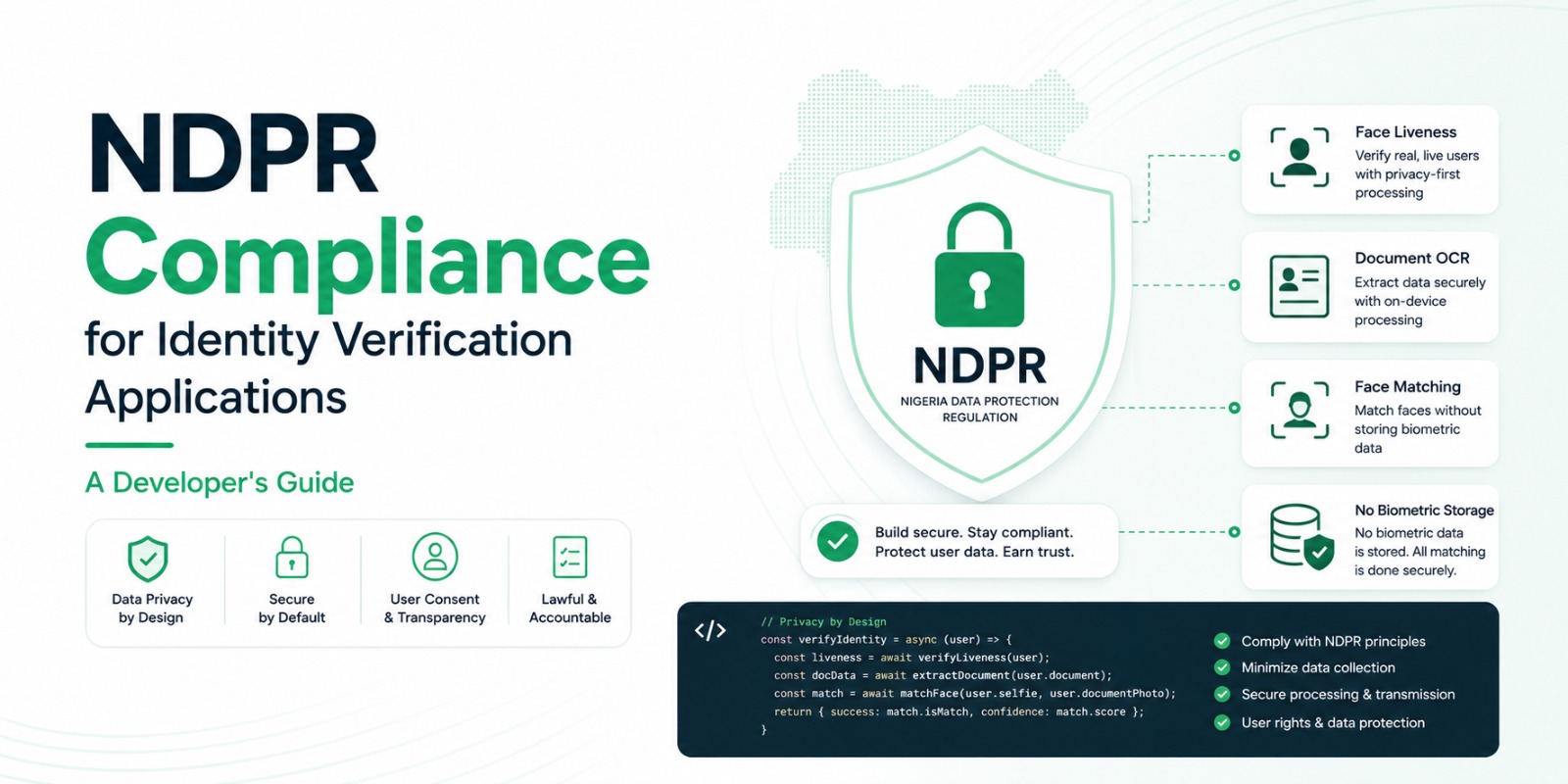
At Veris, privacy is an engineering principle, not a legal afterthought. Veris Capture, Veris Scan, and Veris Compare let you build secure verification behind one API key, on one rule: Veris never stores biometric data.
01What Is NDPR?
The NDPR sets out how organisations must collect, process, store, and protect the personal data of Nigerians, so that data is handled responsibly and individual privacy is protected. For developers, it should shape the system from the start - build for compliance rather than retrofitting it after launch.
02Why Identity Verification Needs Extra Care
Verification touches some of the most sensitive data an app can hold: full names, dates of birth, document numbers, addresses, passport and licence details, NIN information, and facial data. Because any of these can identify a person, design to minimise unnecessary exposure everywhere you can.
03Privacy Starts With Architecture
Most compliance problems come from technical decisions, not legal misunderstandings. Compare two approaches. The first stores every selfie, biometric template, document, and result indefinitely. The second processes only what's needed to complete verification, keeps only what the business genuinely requires, and removes unnecessary exposure. The second creates dramatically less risk - and it's the philosophy behind every Veris product.
04The Principle of Data Minimisation
Collect only what you need. Ask: do you really need this field? How long should it live? Who should access it? What happens after verification completes? Collecting excess data creates security and compliance burden with no upside. Veris workflows are designed around collecting only what's required to complete verification.
05Why Veris Never Stores Biometric Data
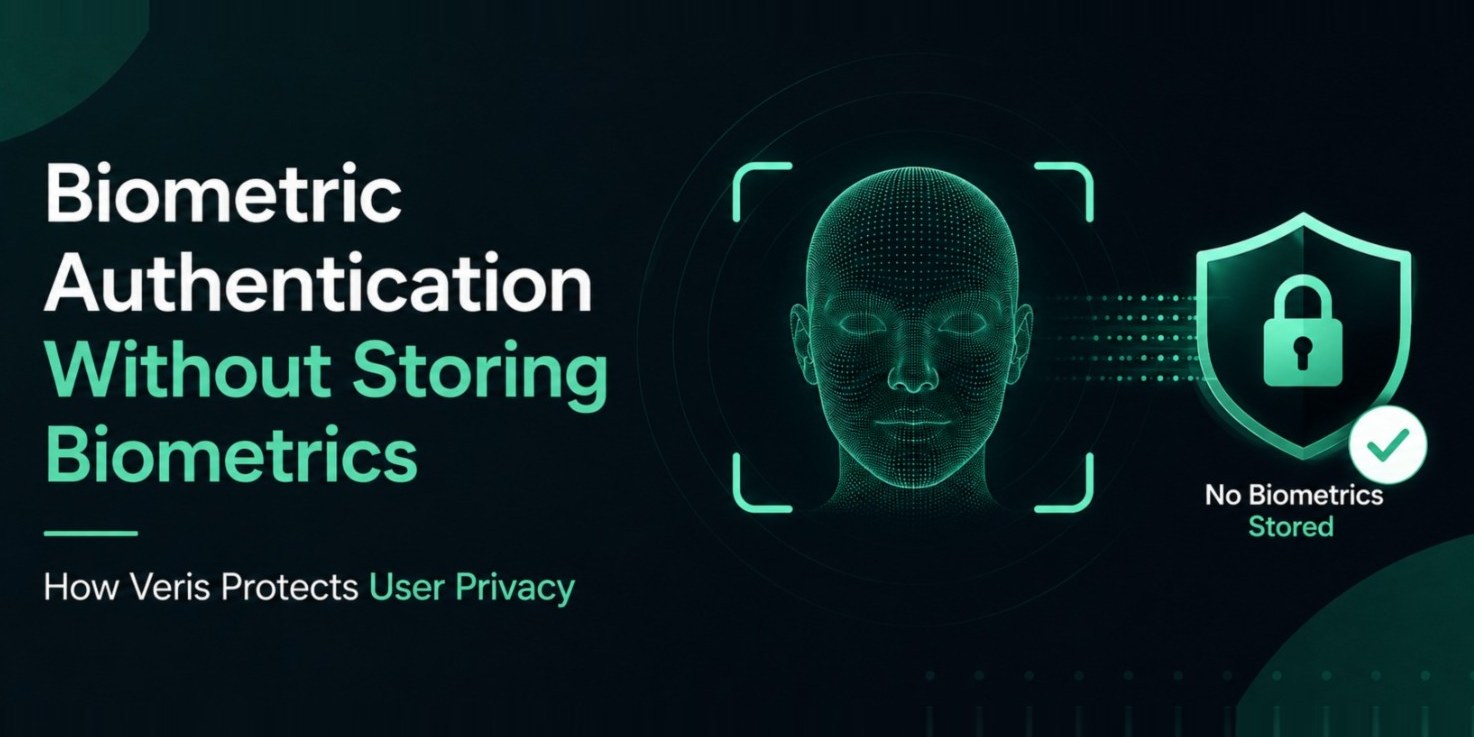
Permanent biometric storage is one of the biggest privacy concerns in facial verification - and many teams assume it's unavoidable. It isn't. Veris Capture runs passive liveness on the device, and Veris Compare performs matching without building a permanent biometric database. The result: less privacy risk, a smaller attack surface, easier compliance, better customer trust, and simpler security operations. Data you never store can never be breached.
06Designing Secure Verification Workflows
A privacy-first onboarding flow:
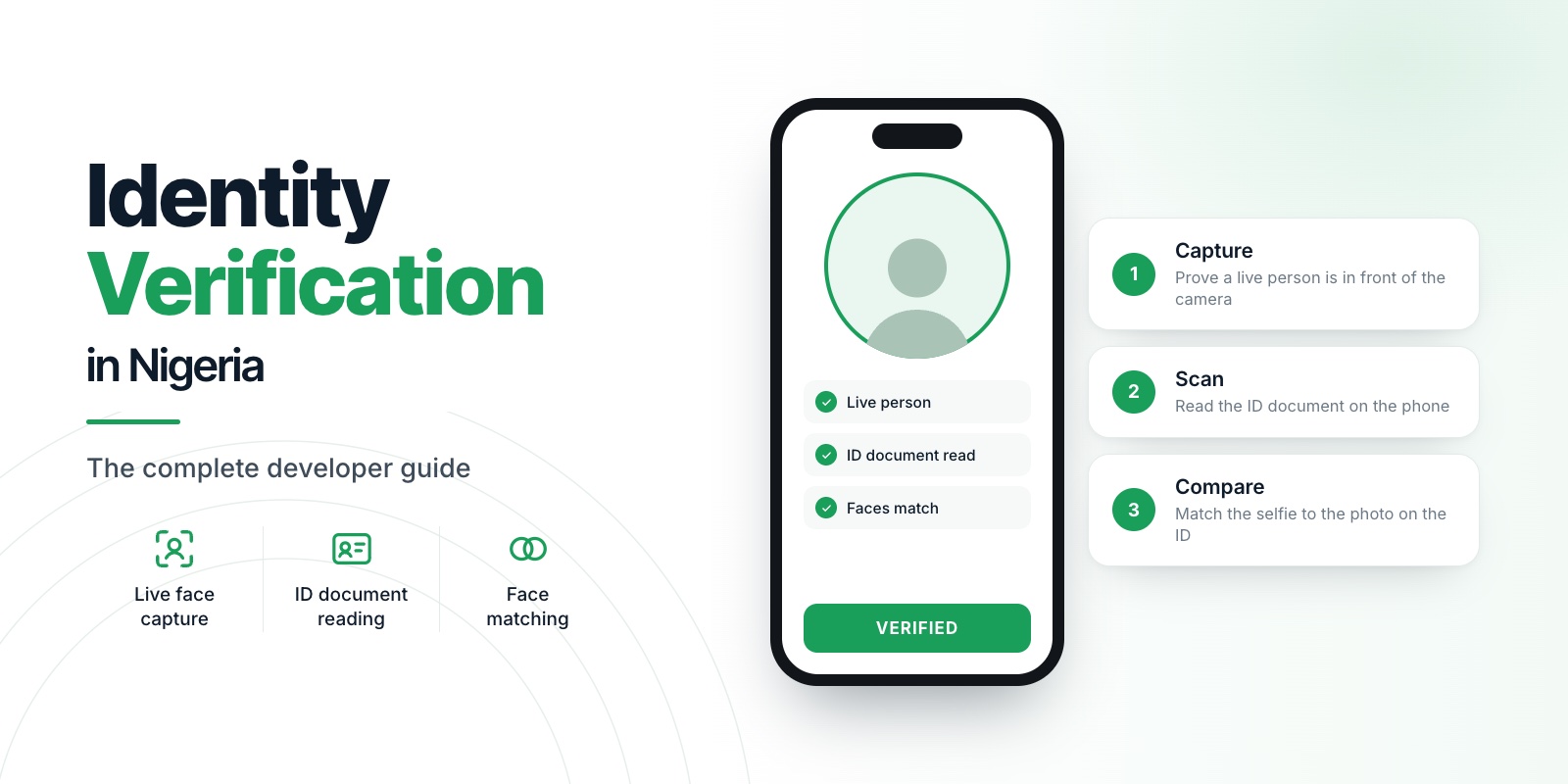
Passive liveness with Veris Capture
Capture the identity document
Extract data with Veris Scan
Compare faces with Veris Compare
Apply business rules
Return results
Store only what your business actually requires
This minimises exposure while keeping strong identity assurance.
07Secure Data Transmission
Protecting data in transit matters as much as protecting it at rest. Always use HTTPS, strong encryption, secure API authentication, access control, signed requests where appropriate, and secure key management. Never expose verification data over unsecured channels.
08Access Control Matters
Not every employee or service should see verification data. Apply least privilege: restrict administrative access, separate development and production, protect API credentials, log privileged actions, and review access regularly. Less unnecessary access means less organisational risk.
09Data Retention
Keeping data forever rarely improves security. Define clear retention policies: what's legally required, what supports operations, and what should be deleted after verification. Retention should be intentional, not accidental.
10Building Customer Trust
Privacy is becoming a competitive advantage. Customers trust products that clearly explain why data is collected, how it's protected, how long it's kept, and what is not stored. Transparency improves confidence while supporting regulatory expectations.
11Common Compliance Mistakes
Collecting unnecessary personal information
Storing biometric images indefinitely
Missing user consent
Weak API security
Poor access control
Undefined retention policies
Ignoring audit logging
Most of these are avoidable at design time.
12Key Takeaways
NDPR should shape every stage of verification design. A modern platform provides privacy-first architecture, data minimisation, secure APIs, strong access control, clear retention, secure document verification, liveness, and matching.
By combining Veris Capture, Veris Scan, and Veris Compare, you can build verification that improves security while respecting privacy - and across every product: no biometric data is ever stored.
13Frequently asked questions
Does NDPR compliance start with legal documents or code?
With architecture. Data minimisation, on-device processing, encryption, retention, and access control are engineering decisions that make NDPR alignment far easier.
Do I have to store biometric data for face verification?
No. Veris runs liveness on-device and stores no biometric templates, removing one of the largest privacy risks and simplifying NDPR.
What are the core NDPR practices for KYC apps?
Consent, data minimisation, secure transmission, defined retention, access control, and audit logging.