Veris Scan · SDK
Snap the ID.Skip the form.
Scan reads Nigerian IDs and utility bills on the user's phone and hands your app named, checked fields and the face photo. No typing for the user, and no document parser for you to build.
Sandbox ready in minutes · no card
Document types, volumes or a security review
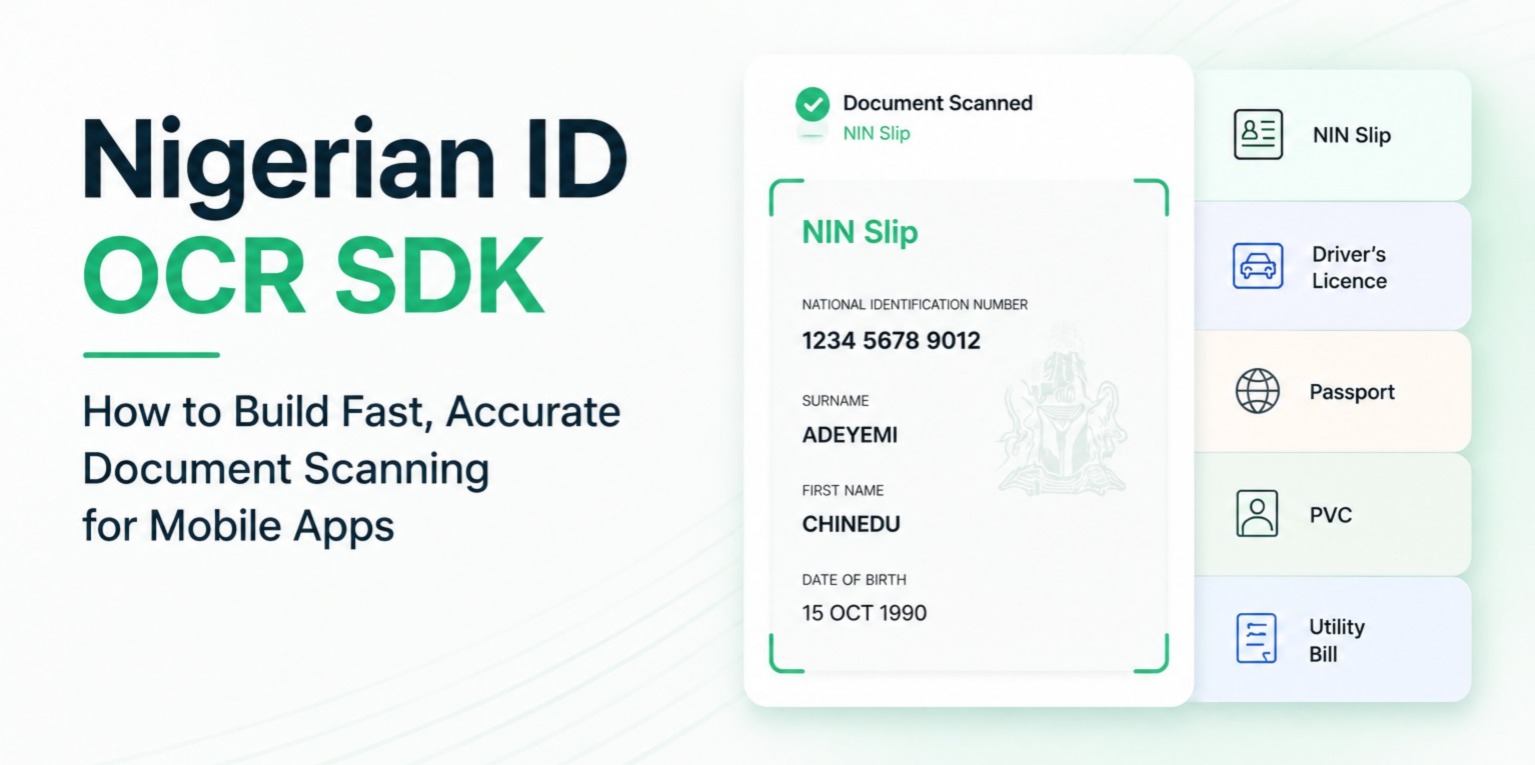
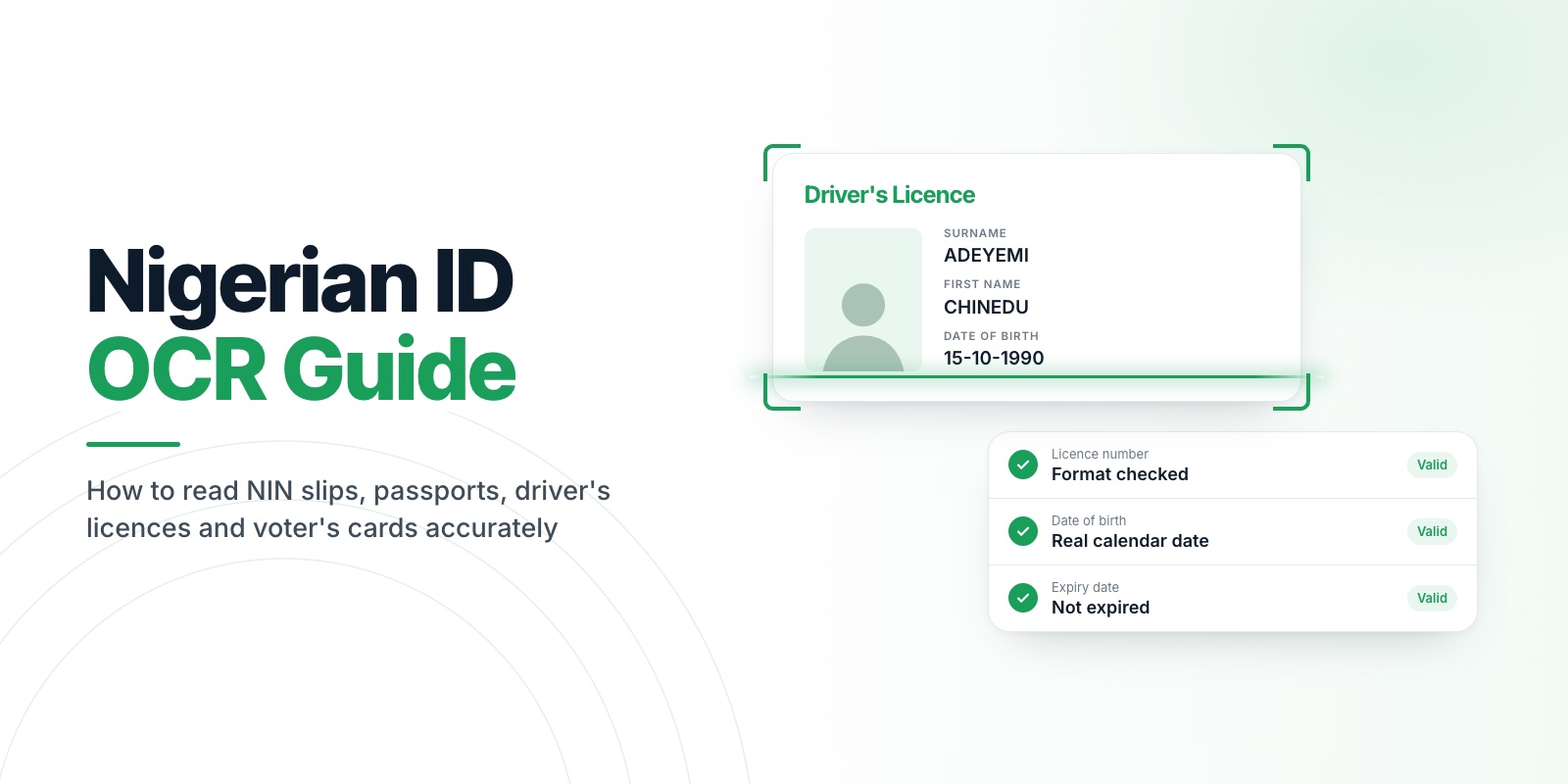
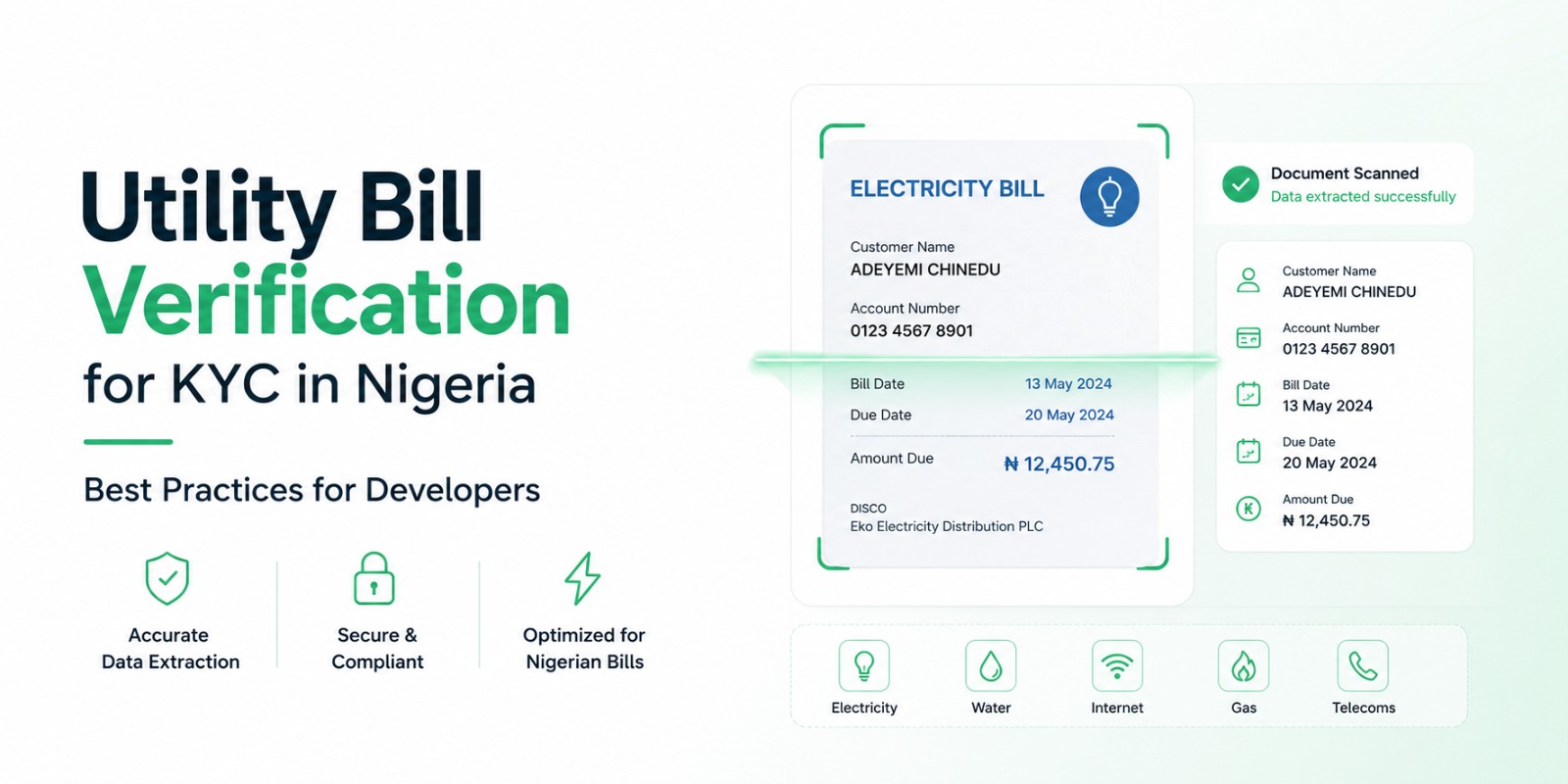
Illustration: Veris Scan reading a driver's licence, a NIN slip and an electricity bill. The camera waits until the document is sharp, captures it, then each field lifts off the document into a structured result, with the face photo last.


Trusted by teams in fintech, insurance, healthcare and e-commerce
- MontaFintech
 SureLifeInsurance
 CarevoHealthcare
 ShoplyE-commerce
Typing ID details by hand
is where sign-up breaks.
Every form field is a chance to drop off or get it wrong. Scan takes the typing away and gives you data you can use straight away.
-
01
Users mistype their NIN or their name, and checks fail later.
ScanThe fields are read from the document itself, and each one is checked against what it can be: an NIN is 11 digits, a date is a real date, a state is a Nigerian state.
-
02
Plain text recognition gives you a wall of text to parse.
ScanYou get named fields in one shape for every document, so there's no parser for your team to write or keep up to date.
-
03
Blurry, glary photos get through, and you only find out after the user has gone.
ScanThe camera guides the user and captures only when the document is sharp, bright enough and inside the frame.
Clean details on the first try,
or a clear retry.
Everything runs on the user's phone, and every step is included on every plan. Nothing is uploaded to Veris while it scans.
-
01 Every plan
Guided capture
The frame turns green only when the document is sharp, bright enough and fills it, then the camera captures on its own. The user is told what to fix, such as "Too much glare — try a different angle", and the torch comes on by itself in low light.
-
02 Every plan
Works out the document
Pass
AUTO_DETECTand Scan decides which of the nine document types it is looking at. When it can't tell, it says so withDOCUMENT_TYPE_UNKNOWNinstead of guessing. -
03 Every plan
Reads and checks every field
Each field must look like what it is, or it comes back empty: a wrong value is worse than no value. Dates come back as YYYY-MM-DD, and on passports the machine-readable lines are read and their check digits verified.
-
04 Every plan
Lifts out the face photo
The photo printed on the ID comes back as an image, ready to send to Veris Compare and match against a live selfie from Veris Capture.
-
05 Every plan
One signed result
Your app gets the fields, the photo and a token signed on the phone that carries the document type, a hash of the image and your session nonce, so your server can tell the result came from the Veris SDK.
Every document
your users carry.
Five identity documents and four proofs of address. Every ID comes back in the same set of fields, and every bill in another, so a new document type never changes your code.
Identity idFields
NIN slip
NIN_SLIPNIN · full name · date of birth · gender · address
National ID card
NATIONAL_IDNIN · full name · date of birth · gender · issue and expiry dates
Driver's licence
DRIVERS_LICENCE+ the face photoLicence number · full name · date of birth · expiry · state · class · blood group
International passport
PASSPORT+ the face photoPassport number · full name · date of birth · expiry · nationality · MRZ
Voter's card
VOTERS_CARD+ the face photoVIN · full name · date of birth · gender · state · LGA · ward · polling unit
Proof of address utilityFields
Electricity bill
ELECTRICITY_BILLAccount name · service address · meter number · account number · distributor · date · amount due
Water bill
WATER_BILLAccount name · service address · account number · date · amount due
Waste bill
WASTE_BILLAccount name · service address · account number · date · amount due
Bank statement
BANK_STATEMENTAccount name · bank · account number · statement date · period · address
AUTO_DETECTNot sure which one the user will hold up? Don't ask them. Scan works out the type itself.
Accept a new ID type
without new code.
Your app always gets a typed result back. It never throws into your app, and a field that isn't on the document comes back empty, never invented.
ScanResultNamed fields, the face photo and a signed token, returned to your app on the phone.
ScanFailureA reason for your code and a message for the user, such as "Could not read the document. Please try again."
nullA field the document doesn't carry, or one that can't be read cleanly. Never a guess.
verificationSignalsFlags for your review queue, such as an expired document or a bill older than three months.
"documentType": "DRIVERS_LICENCE",
"idFields": {
  "surname": "OKAFOR",
  "firstName": "EMEKA",
  "dateOfBirth": "1988-03-21",
  "licenceNumber": "LAG48213AB09",
  "expiryDate": "2029-03-20",
  "bloodGroup": null
},
"faceImageBase64": "/9j/4AAQSk…",
"verificationSignals": {
  "isExpired": false,
  "requiresReview": false
},
"signedPayload": "eyJhbGciOiJFUzI1NiJ9…"
faceImageBase64 → Veris Compare, matched against a live selfie from Veris Capture
Example values. Images go to your app, not to Veris.
One dependency.
One call per document.
The same license key as Capture and Compare. Open the camera with one call, or pass in an image your app already has. The result has the same shape either way.
// build.gradle (app module)implementation 'com.verisinfra:veris-scan-android:1.1.0'one dependency// MainActivity.kt, in onCreateVerisScan.init(context = this, licenseKey = "veris_sandbox_…")the same key as CaptureVerisScan.startCapture( context = this, documentType = DocumentType.AUTO_DETECT,or name the document) { result -> when (result) { is ScanResult -> { val name = result.idFields?.firstName val face = result.faceImageBase64ready for Compare } is ScanFailure -> showError(result.userMessage) }}// an image from your own picker or upload screenVerisScan.processImage( imageBytes = bytes, documentType = DocumentType.ELECTRICITY_BILL,no camera screen) { result -> if (result is ScanResult) saveAddress(result.utilityFields)same result shape}# Podfile (iOS 15+), or add the Swift packagepod 'VerisScan'one dependency// once, at launchVerisScan.shared.initialize(licenseKey: "veris_sandbox_…")the same key as CaptureVerisScan.shared.startCapture( from: self, documentType: .autoDetector name the document) { response in switch response { case .success(let result): let face = result.faceImageBase64ready for Compare case .failure(let failure): showError(failure.userMessage) }}// an image from your own picker or upload screenVerisScan.shared.processImage( image: photo, documentType: .electricityBillno camera screen) { response in if case .success(let result) = response { saveAddress(result.utilityFields) }same result shape}# pubspec.yamldependencies: veris_scan: ^1.0.0one dependency// main.dart, once at startupawait VerisScan.instance.init(licenseKey: 'veris_sandbox_…');the same key as Capturefinal res = await VerisScan.instance.startCapture( documentType: DocumentType.autoDetect,or name the document);if (res is ScanResult) { final name = res.idFields?['firstName']; final face = res.faceImageBase64;ready for Compare} else if (res is ScanFailure) { showError(res.userMessage);}// an image from your own picker or upload screenfinal res = await VerisScan.instance.processImage( imageBytes: bytes, documentType: DocumentType.electricityBill,no camera screen);if (res is ScanResult) saveAddress(res.utilityFields);same result shape# Terminalnpm install @veris/react-native-scanone dependencycd ios && pod install// App.tsx, once at startupimport VerisScan from '@veris/react-native-scan';await VerisScan.init('veris_sandbox_…');the same key as Captureconst res = await VerisScan.startCapture({ documentType: 'AUTO_DETECT',or name the document});if (res.success) { const { idFields, faceImageBase64 } = res;ready for Compare} else { showError(res.userMessage);}// an image from your own picker or upload screenconst res = await VerisScan.processImage({ imageBase64, documentType: 'ELECTRICITY_BILL',no camera screen});if (res.success) saveAddress(res.utilityFields);same result shapeRunning…
SDK ready. Sandbox keys work straight away: all three products, 50 validations a day.
→ScanResultScanFailureAlways one of two. Never a crash.
→ScanResultutilityFieldsThe same shape as a camera scan.
Scan is on every plan.
Pick your volume.
Every plan reads all nine document types and returns the face photo. Plans differ in how many scans you get each month, and Scan is unlimited from Launch.
| Feature | SparkFree | Build$9/mo | Launch$19/mo | Scale$39/mo | Pro$79/mo |
|---|---|---|---|---|---|
| Scans a month | 30 | 500 | Unlimited | Unlimited | Unlimited |
| All nine document types | Yes | Yes | Yes | Yes | Yes |
| Guided camera and image upload | Yes | Yes | Yes | Yes | Yes |
| Face photo from the ID | Yes | Yes | Yes | Yes | Yes |
| Signed result and review signals | Yes | Yes | Yes | Yes | Yes |
| Compare calls a month | 15 | 500 | 1,500 | 10,000 | 30,000 |
Every plan includes Capture and Compare too. See full pricing
Scan your own ID
today.
Build in the free sandbox with all three products, go live free on Spark, and cancel any time. If your first paid month isn't right, get it back within 14 days.
- 1Create an accountEmail verification only. No card, no KYC.
- 2Run your first scanAll nine document types, 50 validations a day.
- 3Go livePick a plan, register your app and swap in a live key.
Questions about
Veris Scan.
Something else? Write to [email protected] or read the Scan docs.
Does Scan tell me if an ID is fake?
No. Scan reads what is printed on a document and checks that each field is well formed. It is not a forgery check. It does flag expired documents and bills older than three months for your team to review, and you can pair it with Capture and Compare to confirm the person holding the ID is the person on it.
Do document images leave the phone?
Not to Veris. Scanning runs on the phone, and the document image and face photo are returned to your app. Nothing is uploaded to Veris while it scans. If you use Compare, your own backend sends the images.
What happens when a field can't be read?
It comes back as null. Each field is checked against what it can be, and anything that doesn't pass is left empty rather than guessed. If the whole document can't be read, you get a ScanFailure with a message to show the user.
Can users upload a photo instead of using the camera?
Yes. Your app passes in an image it already has, from your own picker or upload screen, with processImage. There's no camera screen, and the result has the same shape.
What about cards with information on both sides?
Scan the front and then the back, and merge the two results with one call, mergeResults. You get a single result with the fields from both sides.
Does it work in poor light?
The camera tells the user what to fix, such as "Too dark — move to a brighter spot" or "Too much glare — try a different angle", turns the torch on by itself when the room stays dark, and captures only once the document is clear.
Which plan do I need?
Any. Every plan includes all nine document types and the face photo. Spark includes 30 scans a month for free, Build 500, and Launch and above are unlimited.
Can I try it before I pay?
Yes. The sandbox includes all three products with no card and no KYC, Spark lets you go live free at low volume, and your first paid payment is refundable within 14 days.