Veris Capture · SDK
Prove a real person is there.In one guided selfie.
Capture checks the photo and the person on the user's phone, then hands your server one signed result it can verify. Drop-in SDKs for Android, iOS, Flutter and React Native.
Sandbox ready in minutes · no card
Liveness levels, rollout or a security review
Illustration: a Veris Capture session. A light scans the face while twelve quality checks pass one by one, then the result is signed on the phone.

Trusted by teams in fintech, insurance, healthcare and e-commerce
- MontaFintech
 SureLifeInsurance
 CarevoHealthcare
 ShoplyE-commerce
A selfie step alone
proves very little.
Fake sign-ups rarely look fake. Capture is built for the three ways a plain selfie gets fooled.
-
01
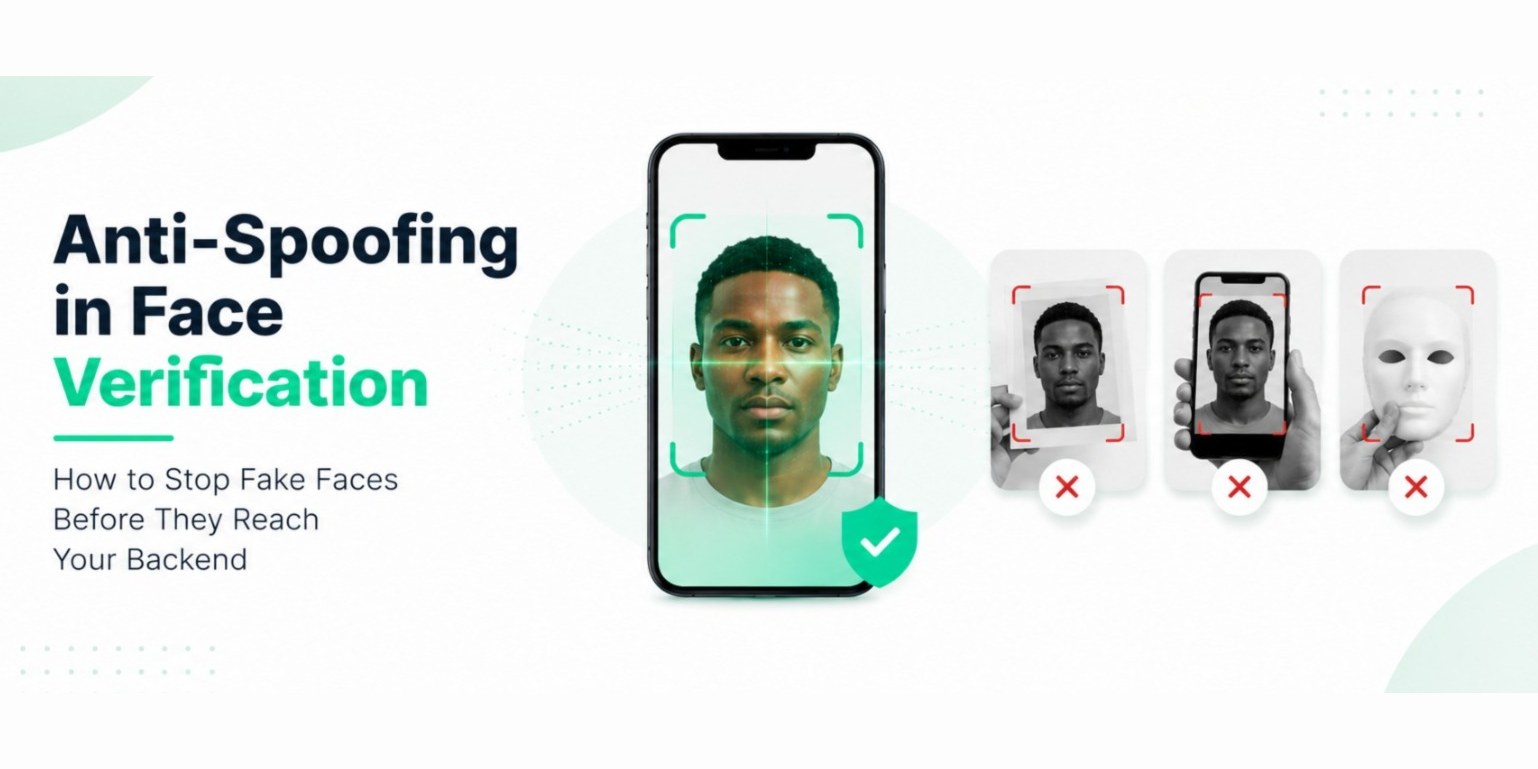
Someone holds a photo or a screen up to the camera.
CapturePassive liveness and a light-reflection check run on the phone. Prints and screens don't reflect light like a real face.
-
02
A genuine result gets copied and used again.
CaptureEvery result is signed on the device and tied to a one-time nonce from your server. A replayed result is rejected.
-
03
Building it yourself takes months.
CaptureThe camera, guidance, quality gate, liveness and signing come in one SDK. You add a dependency and one call.
Fakes get flagged
before they reach you.
Each layer runs on the phone, in order. Layers your plan doesn't include are skipped cleanly, never with a crash.

-
01 Every plan
A 12-point quality gate
Lighting, sharpness, distance, angle, eyes open, one face, full face visible, a live camera. The user is guided by voice and on-screen prompts until the image is genuinely usable.
-
02 Every plan
Human face validation
Confirms a real human face is in view before anything else runs, so liveness is never wasted on a drawing or an object. Works with everyday glasses.
-
03 Launch and above
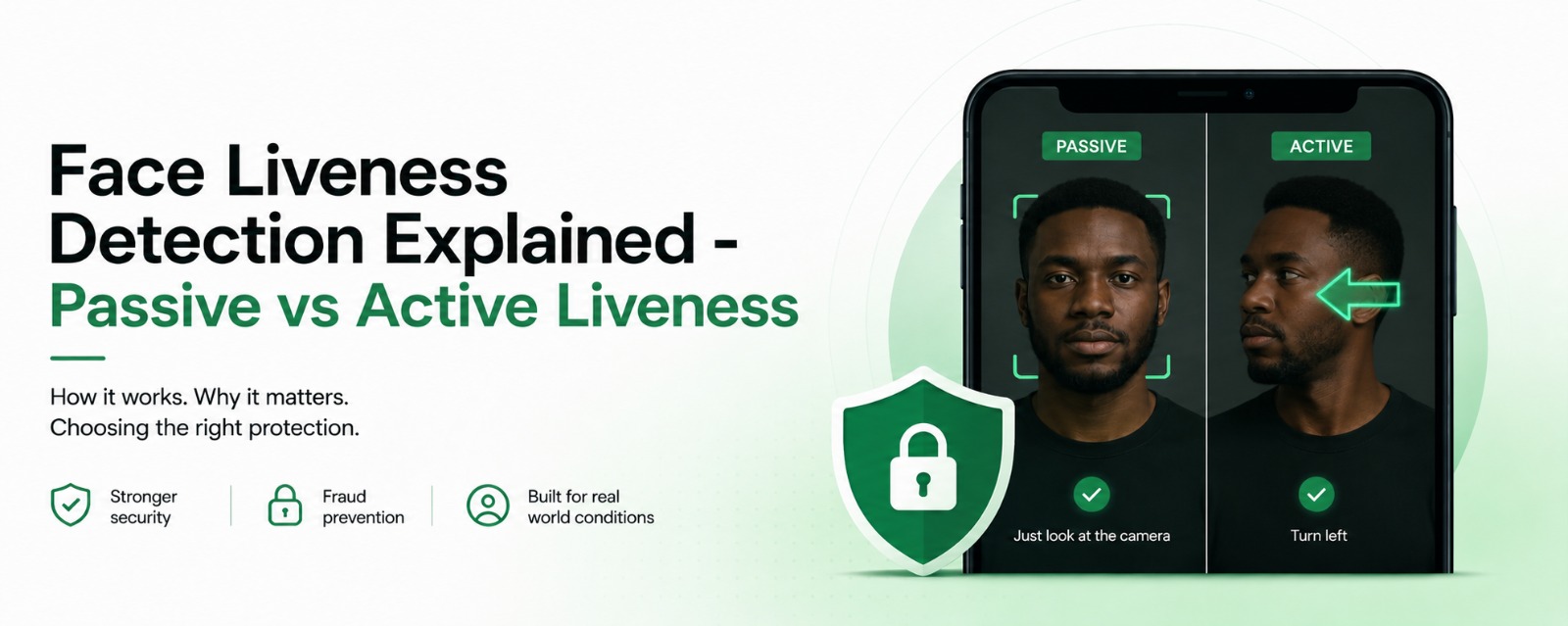
Passive liveness · Veris LiveGuard™
Looks for printed photos and screen replays in the background. The user doesn't have to do anything.
-
04 Launch and above
Light reflection · Veris Lumina™
The screen flashes a short sequence of colours and checks the face reflects them. A real face does. Paper and screens don't.
-
05 Scale and Pro
Active liveness · Veris LiveGuard™
The user turns their head, blinks or nods on request, in a random order. One round on Scale, two to four on Pro. The same face has to stay in view for the whole session.
-
06 Every plan
Signed on the device
The result is signed with a key held in the phone's secure hardware and tied to a one-time nonce from your server. Your backend checks it with one call, and it only works once.
A result nobody can fake
on the way to your server.
Your app gets a typed result: success, failure, cancelled or subscription inactive. It never throws into your app, and it never fails silently.
SuccessA signed result and the face image, returned to your app on the phone.
FailureA plain reason to show the user, such as "Move to a brighter area", and a retry.
CancelledThe user closed the screen. Return them to your flow.
SubscriptionInactiveShow your own message. Your app keeps running.
"status": "SUCCESS",
"session_id": "5f0c…a91e",
"nonce": "from-your-backend",
"environment": "production",
"quality_score": 0.91,
"liveness_score": 0.88,
"face_hash": "7d2e…c41a"
POST /v1/sdk/verify-result → { "valid": true, "nonce_status": "fresh" }
A hash of the face, never the image. Example values.
Your team ships the product.
We already built the hard part.
No camera code, no screens to design, no lifecycle to manage. The SDK releases the camera when the session ends and never uses it in the background.
// build.gradle (app module)implementation 'com.verisinfra:veris-capture-android:1.3.0'one dependency// MainActivity.kt, in onCreateVerisCapture.init( context = this, config = VerisConfig( licenseKey = "veris_sandbox_…",sandbox key from your dashboard initNonce = fetchNonceFromBackend(), ),) { if (it is VerisInitResult.Ready) { /* ready */ } }val verisLauncher = VerisCapture.registerForResult(this) { result -> when (result) {always one of four results is VerisResult.Success -> verifyWithBackend(result.signedResult) is VerisResult.Failure -> showError(result.humanReadableReason) is VerisResult.Cancelled -> { /* user closed it */ } is VerisResult.SubscriptionInactive -> showUpgradePrompt() }}VerisCapture.startCapture( launcher = verisLauncher, config = VerisSessionConfig(nonce = fetchNonceFromBackend()),a fresh nonce per session)# Podfile (iOS 15+), or add the Swift packagepod 'VerisCapture'one dependency// once, at launchVerisCapture.initialise( config: VerisConfig( licenseKey: "veris_sandbox_…",sandbox key from your dashboard initNonce: fetchNonceFromBackend() )) { result in if case .ready = result { /* ready */ }}VerisCapture.startVerification( from: self, session: VerisSessionConfig( nonce: fetchNonceFromBackend()a fresh nonce per session )) { [weak self] result in switch result {a typed result, every time case .success(let capture): self?.verifyWithBackend(capture.signedResult) case .failure(_, let reason, _): self?.showError(reason) case .cancelled: break case .subscriptionInactive: self?.showUpgradePrompt() case .error(_, let message): self?.showError(message) }}# pubspec.yamldependencies: veris_capture: ^1.3.0one dependency// main.dart, once at startupawait VerisCapture.instance.initialise( config: VerisConfig( licenseKey: 'veris_sandbox_…',sandbox key from your dashboard initNonce: await fetchNonceFromBackend(), ),);final result = await VerisCapture.instance.startVerification( session: VerisSessionConfig( nonce: await fetchNonceFromBackend(),a fresh nonce per session ),);switch (result) {a typed result, every time case VerisSuccess s: verifyWithBackend(s.signedResult); case VerisFailure f: showError(f.humanReadableReason); case VerisCancelled _: break; case VerisSubscriptionInactive _: showUpgradePrompt(); case VerisError e: showError(e.message);}# Terminalnpm install @verisinfra/react-native-captureone dependencycd ios && pod install// App.tsx, once at startupimport { VerisCapture } from '@verisinfra/react-native-capture';await VerisCapture.initialise({ licenseKey: 'veris_sandbox_…',sandbox key from your dashboard initNonce: await fetchNonceFromBackend(),});const result = await VerisCapture.startVerification({ nonce: await fetchNonceFromBackend(),a fresh nonce per session});switch (result.type) {a typed result, every time case 'success': verifyWithBackend(result.signedResult);signed result, ready to verify break; case 'failure': showError(result.reason); break; case 'subscriptionInactive': showUpgradePrompt(); break; case 'cancelled': break; case 'error': showError(result.message); break;}// Your license key stays on your server, never in the appconst res = await fetch('https://api.verisinfra.com/v1/sdk/verify-result', { method: 'POST', headers: { 'Content-Type': 'application/json' }, body: JSON.stringify({ license_key: process.env.VERIS_LICENSE_KEY, token: signedResult, // from the SDK, unchanged }),});const { valid, nonce_status } = await res.json();if (valid) await markUserVerified(user);true once; a replay is rejectedRunning…
SDK ready. Sandbox keys work straight away: all three products, 50 validations a day.
→SuccessFailureCancelledSubscriptionInactiveAlways one of four. Never a crash.
→200{ "valid": true, "nonce_status": "fresh" }A replayed result is rejected.
Stronger proof
as the risk grows.
Every plan includes the quality gate, face validation and signed results. Liveness gets stronger as you move up. Capture is unlimited from Launch.
| Feature | SparkFree | Build$9/mo | Launch$19/mo | Scale$39/mo | Pro$79/mo |
|---|---|---|---|---|---|
| Captures a month | 30 | 500 | Unlimited | Unlimited | Unlimited |
| Quality gate and face validation | Yes | Yes | Yes | Yes | Yes |
| Voice guidance and signed result | Yes | Yes | Yes | Yes | Yes |
| Veris branding on the capture screen | Required | Co-branded | None | None | None |
| Passive liveness (LiveGuard™) | No | No | Yes | Yes | Yes |
| Light reflection (Lumina™) | No | No | Yes | Yes | Yes |
| Active liveness (LiveGuard™) | No | No | No | 1 round | 2 to 4 rounds |
| Session video and advanced settings | No | No | No | No | Yes |
| Dedicated onboarding | No | No | No | Yes | Yes |
All plans include Scan and Compare too. See full pricing
Try it on your own
phone today.
Build in the free sandbox with all three products, go live free on Spark, and cancel any time. If your first paid month isn't right, get it back within 14 days.
- 1Create an accountEmail verification only. No card, no KYC.
- 2Run your first captureAll three products, 50 validations a day.
- 3Go livePick a plan, register your app and swap in a live key.
Questions about
Veris Capture.
Something else? Write to [email protected] or read the Capture docs.
Will it slow down sign-up?
The user mostly just holds still. Passive checks run in the background, and by default the active challenge is skipped when passive liveness has already passed. On Pro you can require it every time.
Does it work in low light and with glasses?
The quality gate guides people to better light before liveness runs, with prompts such as "Move to a brighter area", and face validation works with everyday glasses.
Where do the face images go?
Nowhere near Veris. The image is processed on the phone and returned to your app. The signed result carries a hash of the face, never the image. If you use Compare, your own backend sends the images.
How do I know a result is genuine?
Your backend sends the signed result to POST /v1/sdk/verify-result. Veris checks the signature and the one-time nonce, so each result works only once. Sandbox results are rejected in production.
What happens if a check fails?
Capture returns a Failure with a plain reason you can show, such as "Hold your phone steady", and the user can try again. The SDK never throws into your app.
Which platforms are supported?
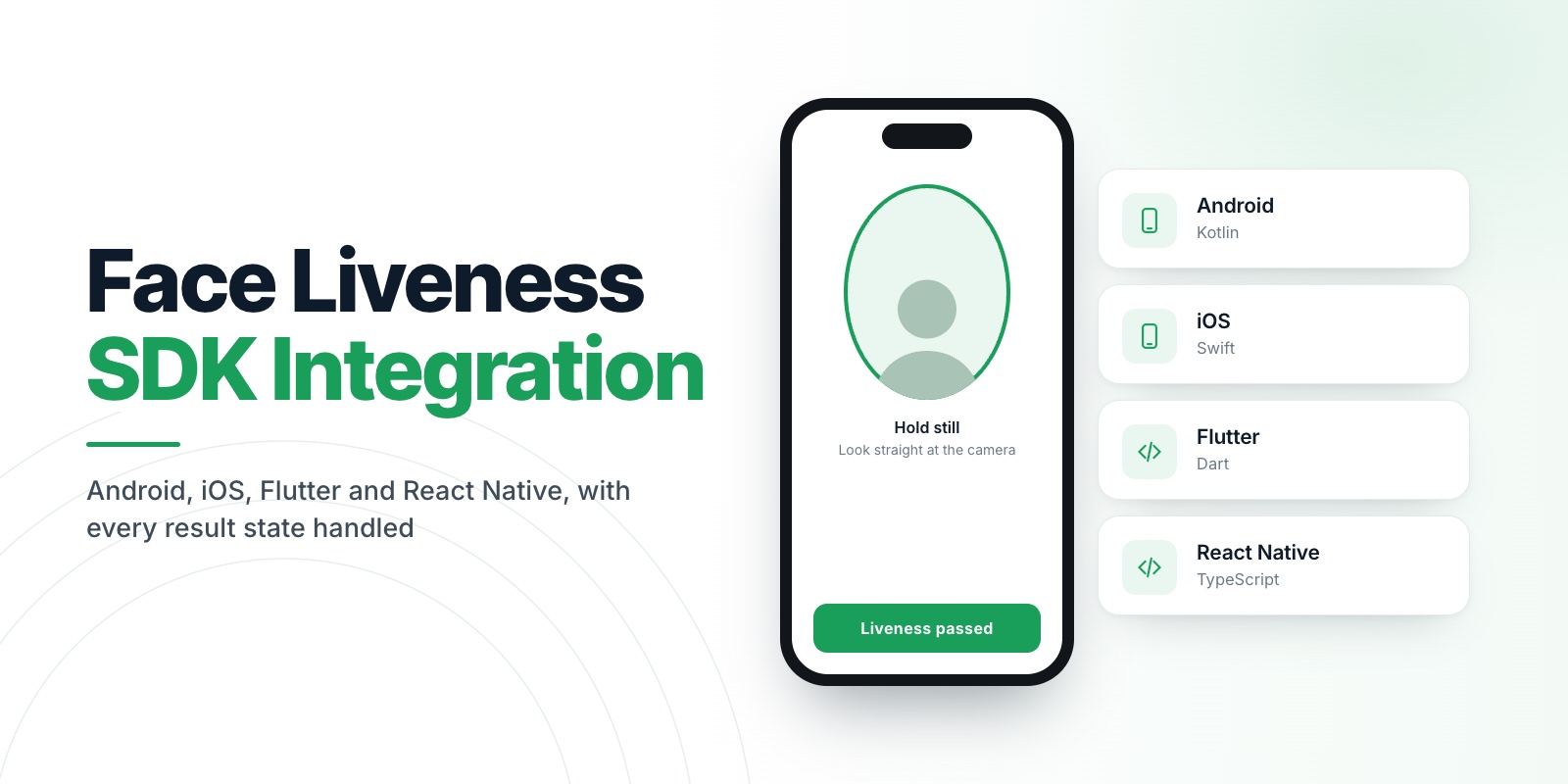
Android, iOS (15 and later), Flutter and React Native, each with one dependency. Your backend verifies results with one REST call, in any language.
Which plan do I need?
Launch adds passive liveness and the light-reflection check. Scale adds an active challenge and dedicated onboarding. Pro adds two to four challenge rounds, session video and advanced settings. You can start free and change plan any time.
Can I try it before I pay?
Yes. The sandbox includes all three products with no card and no KYC, Spark lets you go live free at low volume, and your first paid payment is refundable within 14 days.