Introduction
New to identity verification in Nigeria? Start with our complete developer guide.
Face liveness detection is one of the most important technologies behind secure digital onboarding. Before trusting a selfie, an identity verification system must determine whether it is looking at a real person or a spoofing attempt using a printed photo, another phone, a replayed video, or a sophisticated deepfake.
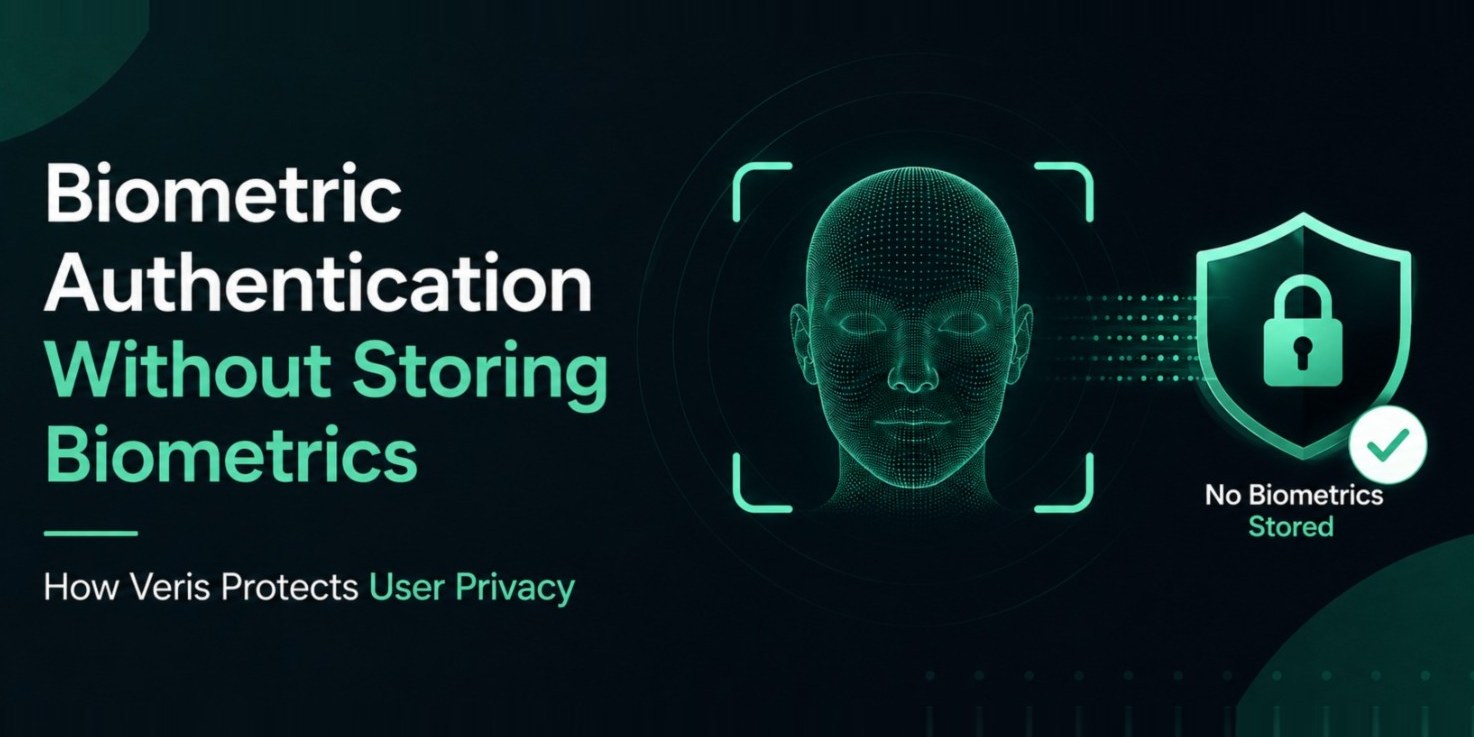
At Veris, liveness detection is the first layer of trust. Veris Capture performs passive liveness directly on the user's device before the verification process continues. This privacy first approach helps developers reduce fraud while ensuring that no biometric data is ever stored.
Whether you are building a fintech application, digital wallet, lending platform, healthcare portal, telecom onboarding flow, or enterprise authentication system, understanding passive and active liveness is essential.
01What Is Face Liveness Detection?
Face liveness detection is the process of confirming that a real person is physically present in front of the camera during identity verification.
Without liveness detection, attackers can often bypass verification using:
Printed photographs
Images displayed on another screen
Replay attacks using recorded videos
AI generated faces
Deepfake content
Mask attacks
A face match alone is not enough. If an attacker can present a convincing image, even an accurate face matching system can compare it successfully. Liveness detection closes this gap by validating presence before identity verification continues.
02Passive Liveness vs Active Liveness
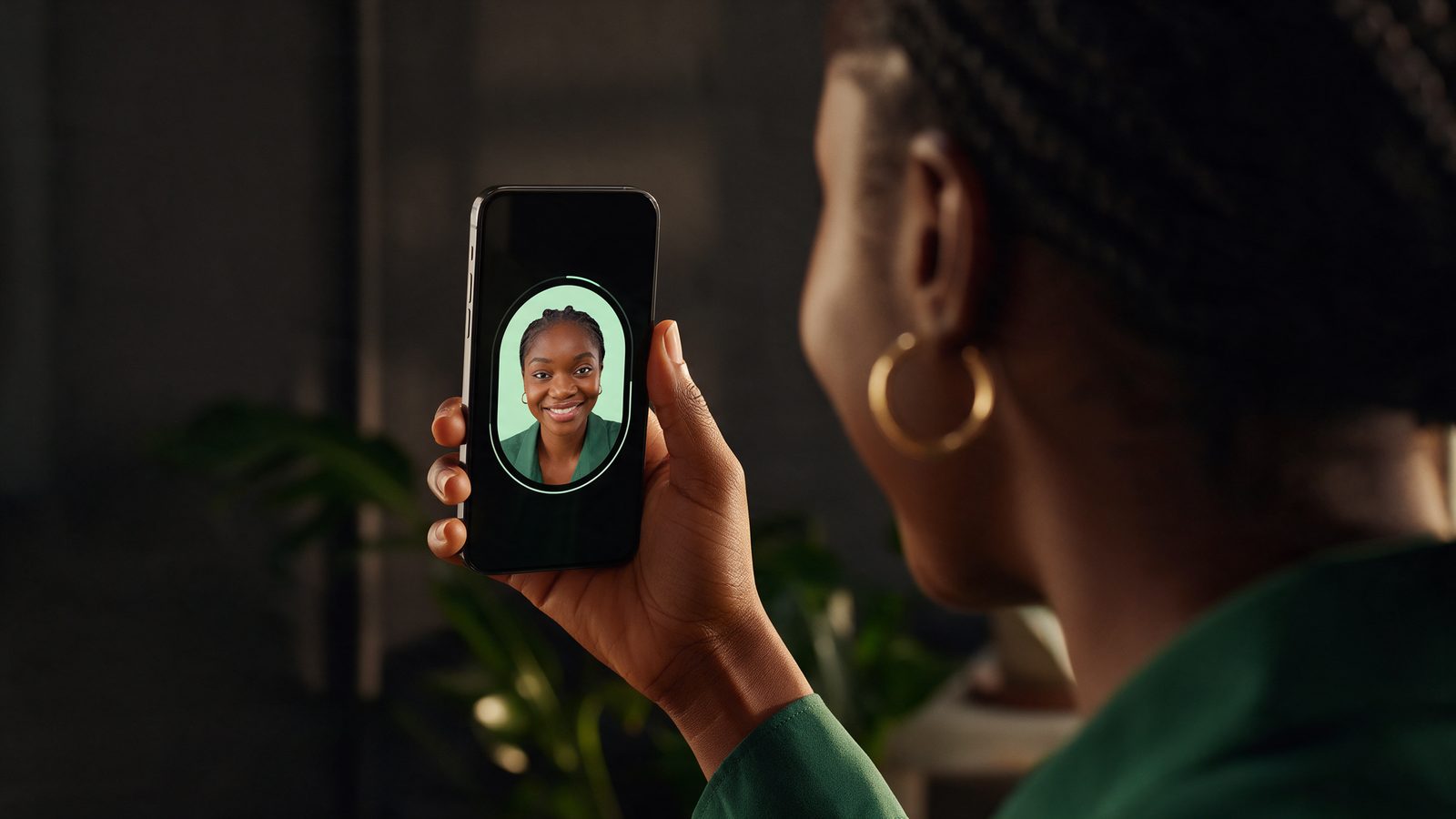
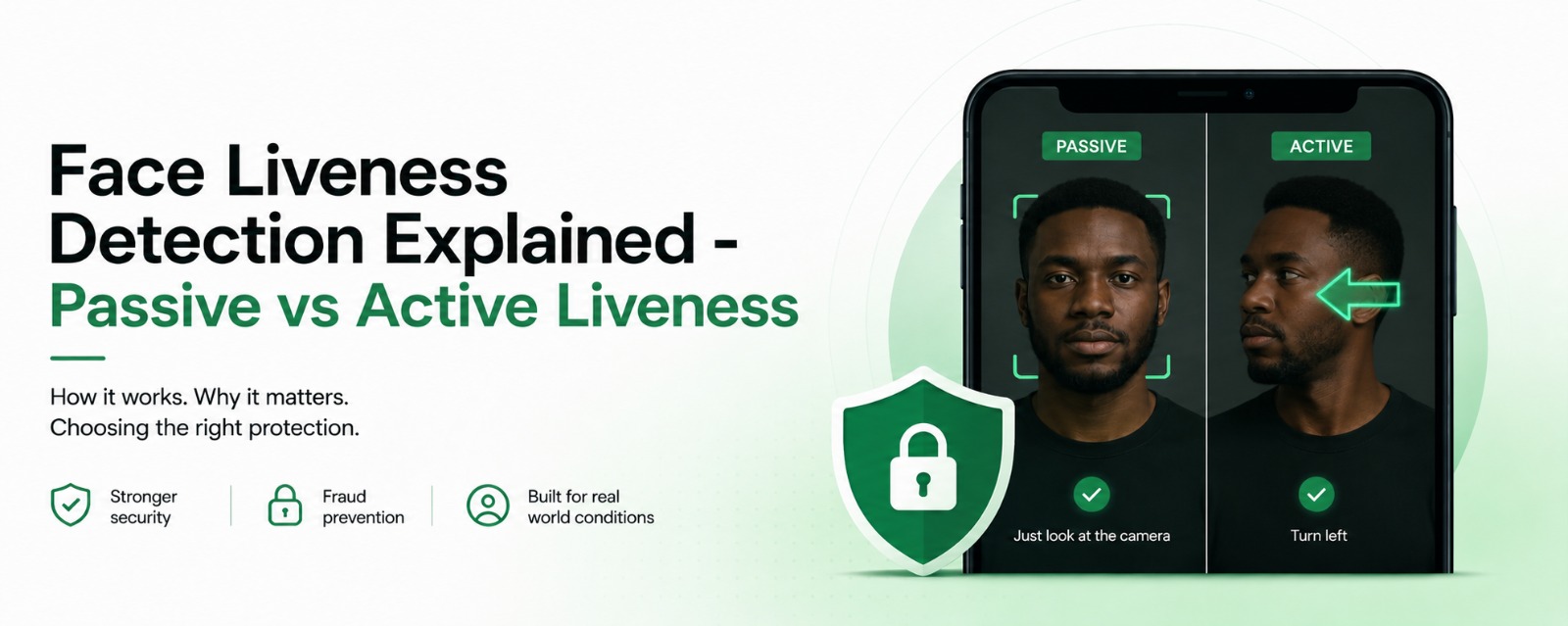
The two most common approaches are passive liveness and active liveness.
Passive Liveness
Passive liveness works silently in the background.
The user simply looks at the camera while the SDK evaluates multiple signals to determine whether the face belongs to a live person.
Depending on the implementation, these signals may include:
Natural facial texture and micro-detail
Lighting and colour consistency
Image quality and sharpness
Subtle motion and micro-movement patterns
Camera and capture characteristics
The user does not need to blink, smile, nod, or follow instructions.
This creates a faster onboarding experience.
Active Liveness
Active liveness asks the user to complete one or more actions.
Examples include:
Turn your head
Blink
Smile
Look left
Look right
Follow a moving dot
Open your mouth
Because the challenge changes, replay attacks become more difficult.
The trade off is a longer verification process that may increase abandonment during onboarding.
03Which Approach Should You Choose?
There is no universal answer.
It depends on your application's risk profile.
Passive liveness is often the best choice when:
Fast onboarding matters
User experience is a priority
Mobile devices vary widely
Large customer volumes are expected
Active liveness may be appropriate when:
High value financial transactions are involved
Identity assurance requirements are very strict
Additional verification is required after suspicious activity
Many organizations combine both methods.
For example:
Passive liveness during onboarding
Active liveness only when risk increases
This keeps the everyday experience simple while adding security only when necessary.
04Why Veris Uses On Device Processing
One of the core design principles behind Veris Capture is privacy.
Instead of sending raw biometric information to a server for analysis, liveness evaluation happens directly on the user's device.
This architecture provides several benefits:
Reduced network dependency
Faster response times
Better privacy
Lower data exposure
Improved scalability
Most importantly, Veris never stores biometric data.
Only the verification outcome continues through the identity verification workflow.
Learn more about Veris Capture at /capture.
05How Liveness Fits Into Identity Verification
Liveness is not the final goal.
It is the first security checkpoint.
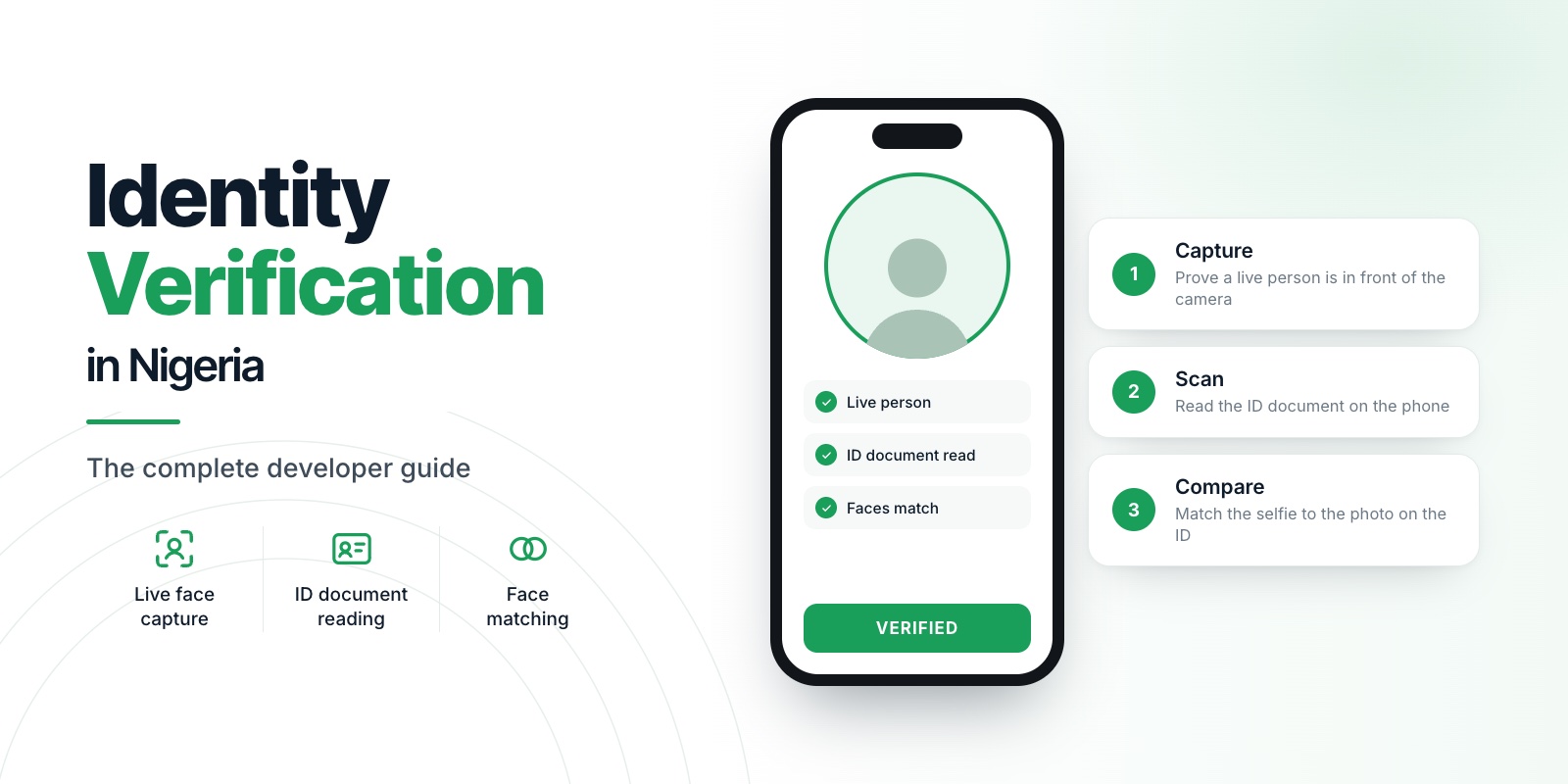
A complete onboarding flow typically looks like this:
Capture a live face
Perform passive liveness detection
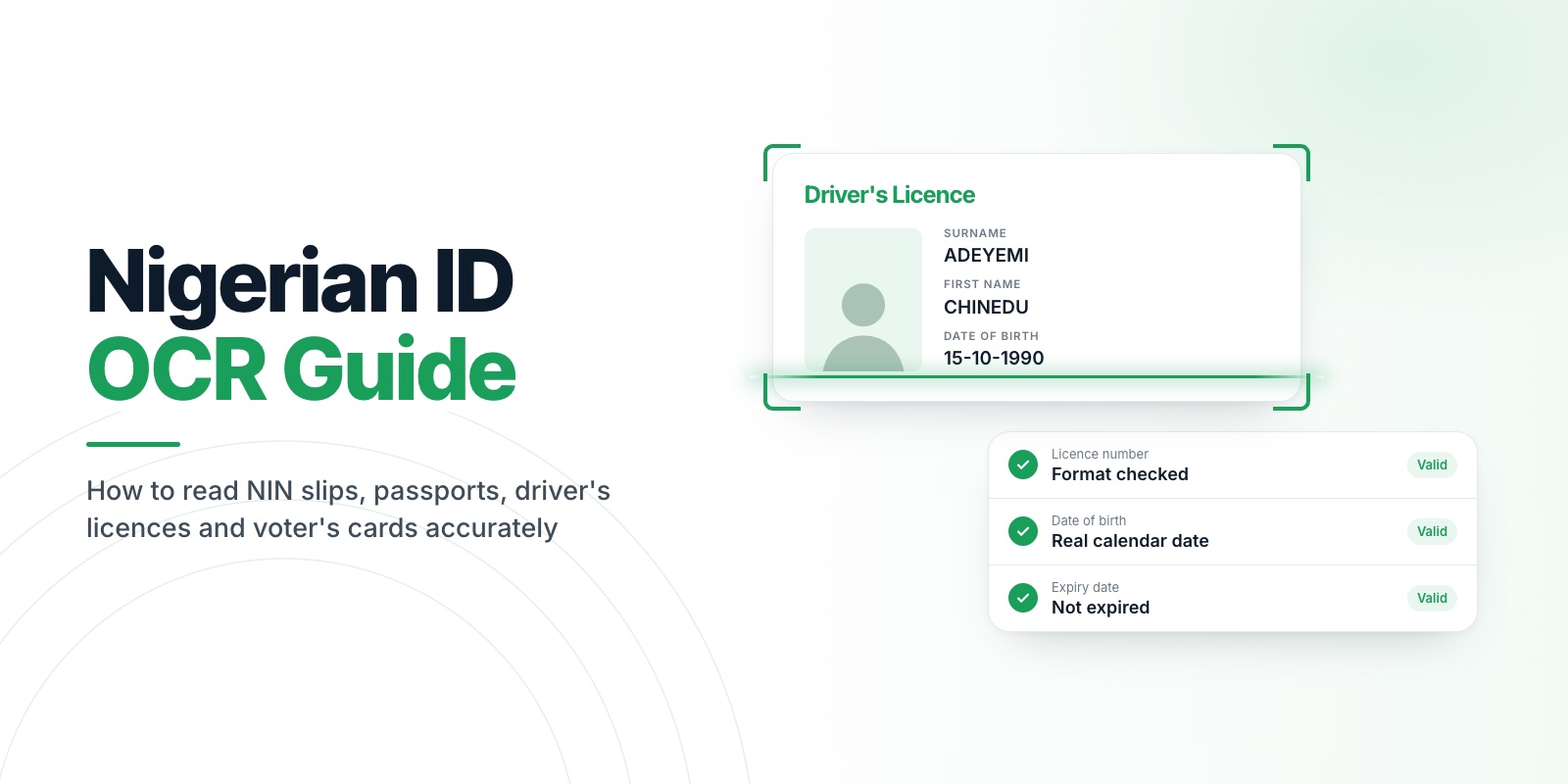
Scan the identity document
Extract document information
Compare the live face with the document portrait
Apply business rules
Complete verification
This combines the strengths of Veris Capture, Veris Scan, and Veris Compare through a single API available on Veris.
06Common Spoofing Techniques
Attackers continue to evolve their methods.
Development teams should understand the most common threats.
Printed Photos
An attacker presents a high quality printed photograph.
Without liveness detection, some systems may incorrectly accept the image.
Screen Replay
A photo or recorded video is displayed on another phone or monitor.
Passive liveness helps identify inconsistencies that often appear during replay attacks.
Deepfakes
AI generated faces continue to improve.
Modern identity verification systems should continuously evolve to detect synthetic content.
Research teams at Veris Labs actively evaluate emerging attack techniques so that fraud detection improves alongside new threats.
Mask Attacks
Three dimensional masks attempt to imitate genuine users.
Strong liveness raises the difficulty of a successful mask attack, and layering liveness with document capture and face matching reduces the value of any single spoof attempt. No liveness system should be marketed as a guaranteed mask detector, but defence in depth makes these attacks far less practical.
07Developer Best Practices
When integrating face liveness into your application, consider these recommendations.
Perform liveness before face matching
Avoid saving captured face images unless absolutely required
Encrypt all communication
Use secure authentication for API requests
Test across different Android devices
Handle poor lighting gracefully
Provide clear guidance to users
Retry intelligently instead of failing immediately
A smooth user experience often improves security because genuine users complete verification successfully while attackers face additional barriers.
08NDPR and Privacy
Developers building products for Nigerian users should align their implementation with NDPR principles.
This includes:
Collecting only necessary data
Limiting retention
Protecting user privacy
Using secure processing
Obtaining appropriate consent
A privacy first architecture makes compliance easier.
That is one of the reasons Veris was designed around on device liveness and the principle that biometric information should not become long term stored data.
09Key Takeaways
Face liveness detection protects identity verification by confirming that a real person is present before any face comparison takes place.
For most applications, passive liveness provides the best balance between security and user experience.
Higher risk scenarios may benefit from additional active liveness challenges when appropriate.
With Veris Capture, developers can implement privacy first face liveness that runs on device, integrates through Veris, benefits from ongoing research by Veris Labs, and works alongside Veris Scan and Veris Compare to create a complete identity verification platform.
10Frequently asked questions
What is the difference between passive and active liveness?
Passive liveness analyses a single look with no user action. Active liveness asks the user to follow an on-screen challenge. Passive is lower-friction, active adds assurance for higher-risk sessions.
Is passive liveness enough on its own?
For many flows, yes. Veris runs passive liveness by default and lets you add active challenges when the risk of a session warrants it.
Does liveness stop replays and deepfakes?
Strong presentation-attack detection defends against printed photos, screen replays, and masks on-device. It is one layer in a defence-in-depth flow, not a silver bullet.