Introduction
New to identity verification in Nigeria? Start with our complete developer guide.
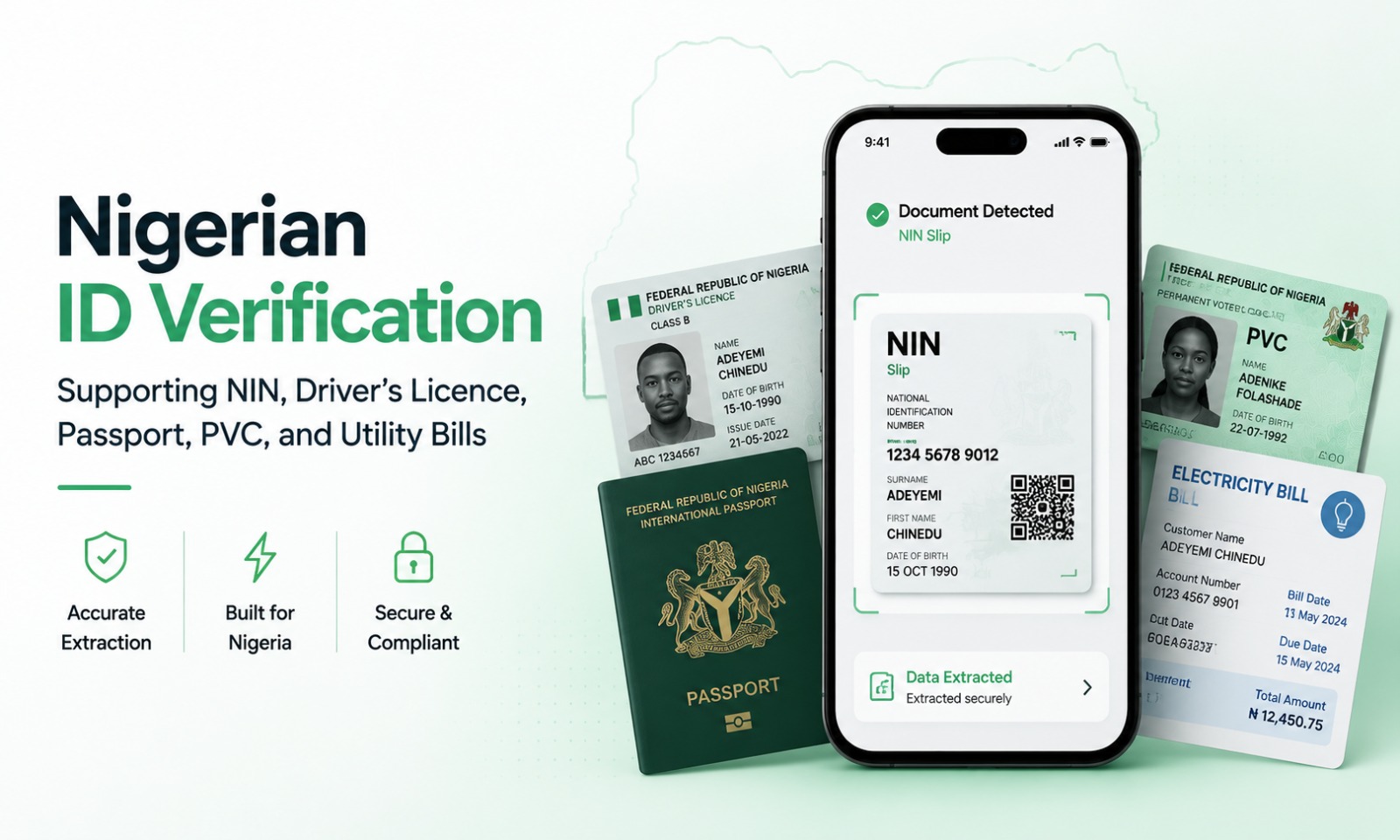
Nigerian ID verification is one of the most important parts of any KYC process. Whether you're building a digital bank, lending platform, insurance application, healthcare portal, cryptocurrency exchange, telecom registration platform, or enterprise onboarding solution, verifying identity documents accurately is essential for reducing fraud and meeting regulatory obligations.
Unfortunately, document verification is far more complex than simply taking a picture of an ID card. Images may be blurry, documents may be folded, cameras vary widely across devices, and users often capture documents in poor lighting conditions.
At Veris, we built Veris Scan specifically for Nigerian identity documents and the realities of African mobile devices. Through a single API key on Veris, developers can combine document OCR with face liveness from Veris Capture and face verification using Veris Compare to build complete onboarding experiences.
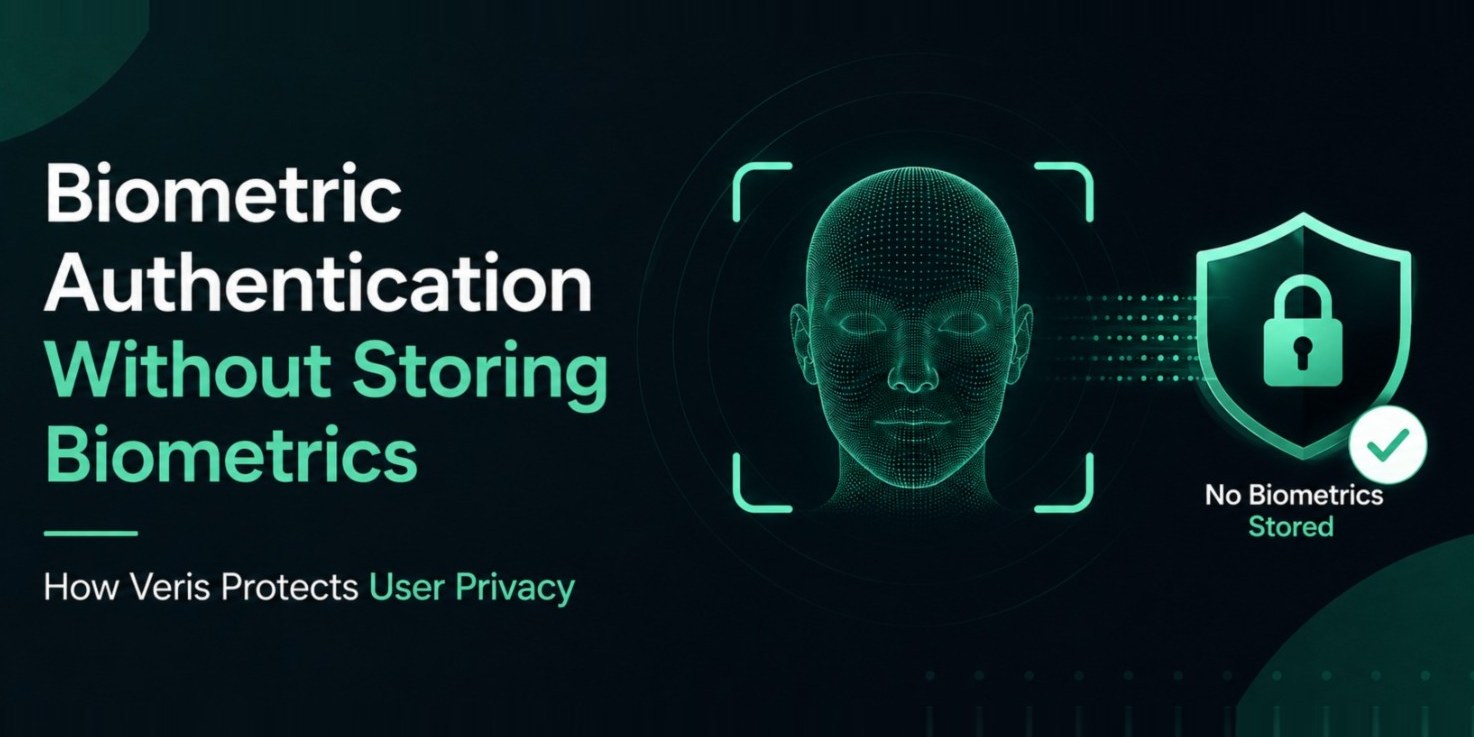
As with every Veris product, no biometric data is ever stored.
01Why Document Verification Matters
Identity documents remain one of the strongest sources of trust during onboarding.
A successful verification process helps confirm:
The document is readable
Required information can be extracted
The customer has supplied the correct document
Identity details match the onboarding information
Additional verification can continue
Without reliable document verification, even the best face matching system has incomplete information.
02Common Nigerian Documents
OCR for Nigerian identity documents
Applications serving Nigerian users commonly verify multiple document types.
National Identification Number
The National Identification Number, commonly called the NIN, is one of the most frequently requested identity documents during onboarding.
Depending on the workflow, users may provide:
NIN slip
NIN card
Digital NIN document
A good OCR engine should extract structured fields while handling different layouts and print quality.
Driver's Licence
Driver's licences include valuable identity information including:
Full name
Date of birth
Licence number
Expiry date
Accurate field extraction reduces manual verification.
International Passport
Passports are commonly used for higher assurance onboarding and international services.
OCR should correctly identify:
Passport number
Full name
Nationality
Date of birth
Expiry date
Permanent Voter Card
Many financial institutions also support the Permanent Voter Card as part of their onboarding requirements.
Different production versions and image quality can make extraction challenging.
Utility Bills
Utility bills are often requested for address verification.
Unlike government IDs, utility bills have less consistent layouts, making OCR considerably more difficult.
03OCR Is Only One Part of Verification
Many developers assume OCR alone solves document verification.
It does not.
OCR simply converts visible text into structured information. It is important to be clear about the boundary here: Veris Scan extracts and validates document fields - it does not authenticate the document or detect forged and tampered IDs. Genuine identity assurance comes from combining that extracted data with liveness and face matching, not from the OCR step alone.
A complete verification workflow should include:
Image quality assessment
OCR extraction
Field validation
Business rule validation
Face liveness
Face comparison
Risk evaluation
Combining these layers provides significantly stronger identity assurance.
Learn more about Veris Scan at /scan.
04Challenges Unique to Nigeria
Building OCR for Nigerian documents requires understanding local conditions.
Developers regularly encounter:
Low quality cameras
Folded documents
Shadows
Poor lighting
Motion blur
Cropped images
Damaged documents
Compressed uploads
A document verification system must perform well under real world conditions rather than ideal laboratory environments.
Researchers at Veris Labs continuously evaluate document capture quality using devices commonly found across Nigeria and Africa.
05Best Practices for Better OCR
Small improvements to the capture experience can significantly improve extraction accuracy.
Guide users to:
Place the document on a flat surface
Capture the entire document
Avoid reflections
Improve lighting
Hold the phone steady
Keep text clearly visible
Real time guidance often reduces failed submissions without increasing onboarding time.
06Combining OCR with Face Verification
Document verification should never operate in isolation.
After extracting document fields, applications should continue with identity verification.
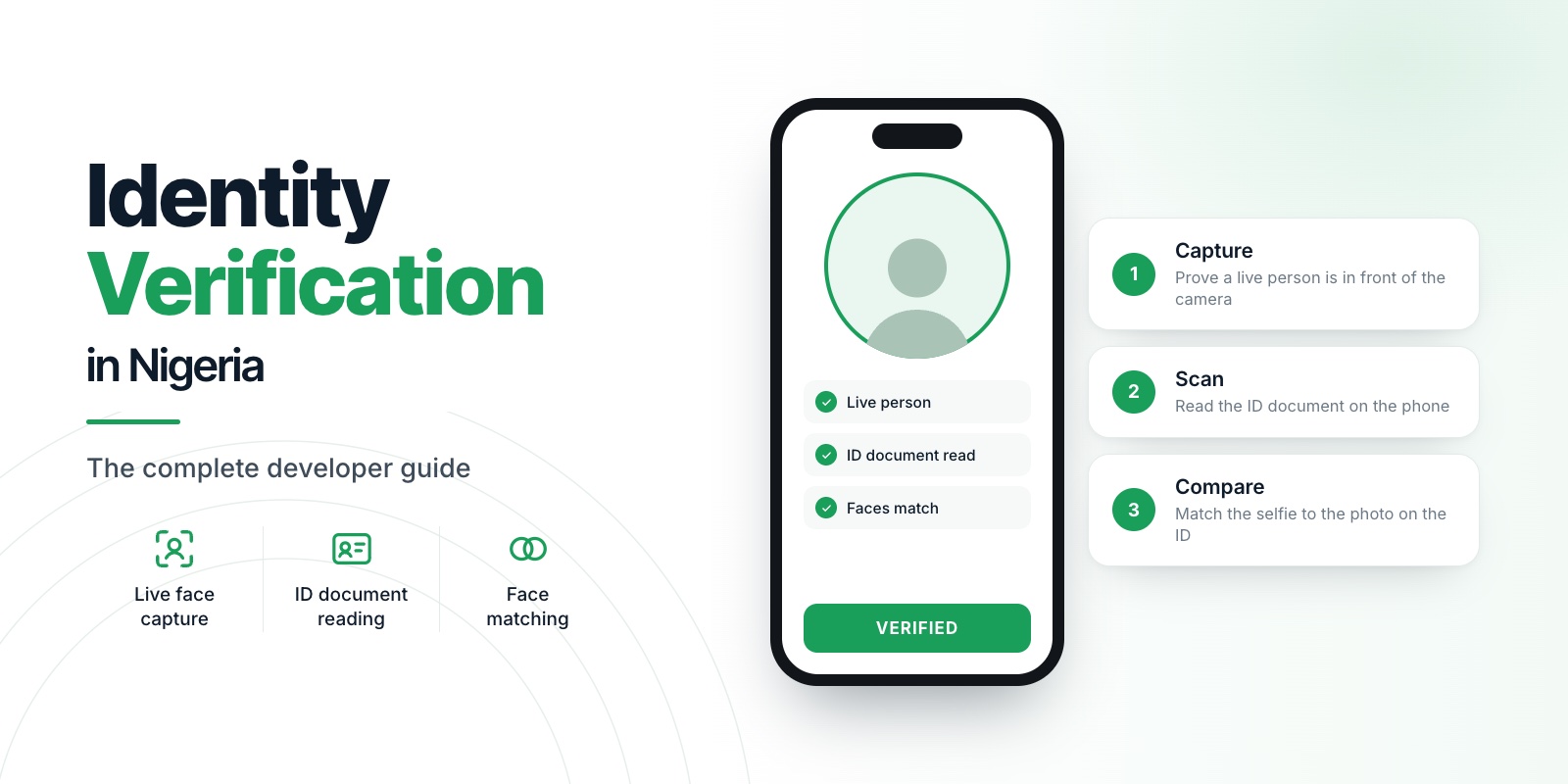
A recommended workflow is:
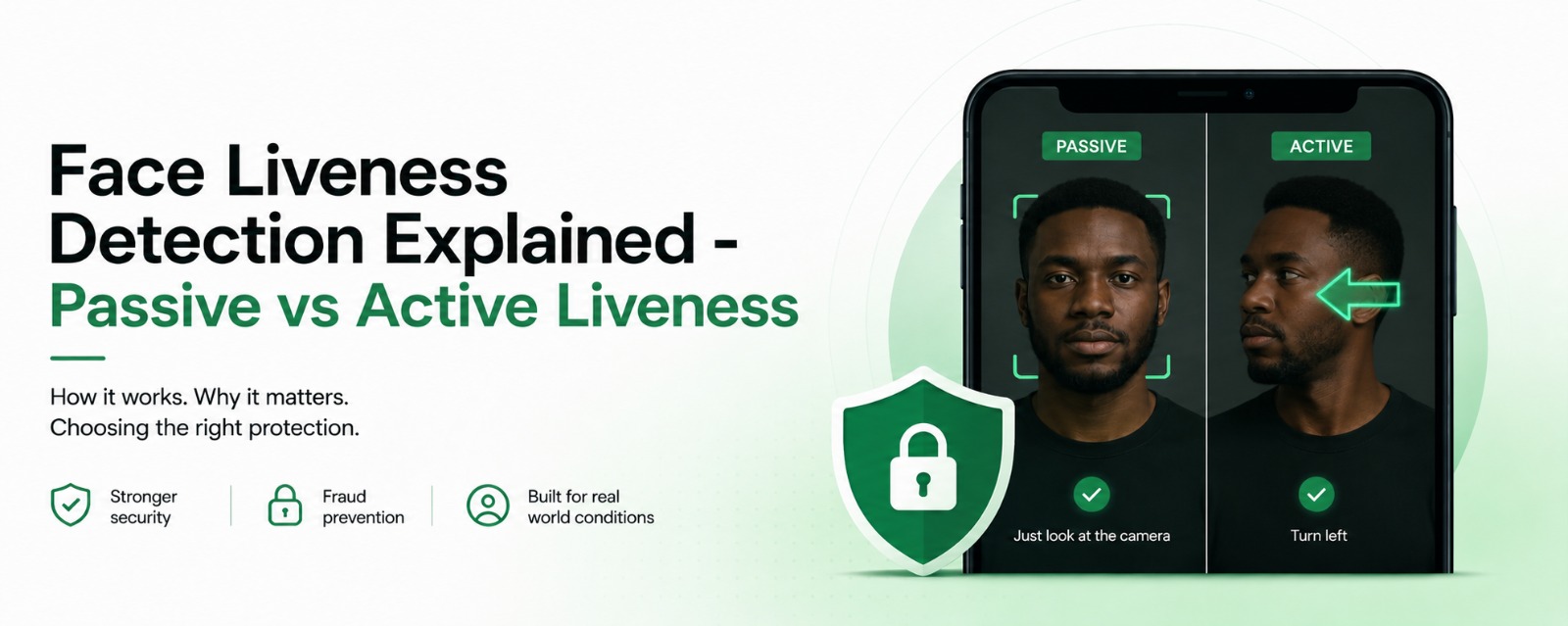
Perform passive face liveness using Veris Capture
Scan the document using Veris Scan
Extract structured document fields
Compare the live face with the portrait using Veris Compare
Apply fraud checks
Complete onboarding
This layered approach helps prevent both document fraud and identity impersonation. Veris Compare is also tuned for accuracy on darker skin tones and lower light, so the face matching step performs for real Nigerian users rather than only in ideal benchmark conditions.
07Privacy First Verification
Identity verification involves sensitive information.
Developers should minimize unnecessary collection and retention.
Veris follows several important principles:
Face liveness happens on device
No biometric templates are stored
Verification requests are securely transmitted
Developers retain control over business decisions
Systems collect only the information required for verification
This privacy first architecture reduces risk while simplifying compliance.
08NDPR Considerations
Applications processing Nigerian identity documents should align with NDPR principles.
Good implementation practices include:
Collect only required documents
Explain why documents are requested
Protect uploaded information
Limit document retention
Restrict administrative access
Maintain appropriate audit records
Compliance begins with thoughtful system design rather than paperwork alone.
09Common Developer Mistakes
Document verification projects often fail because of avoidable implementation choices.
Watch for:
Accepting unreadable images
Skipping image quality validation
Using OCR without field validation
Ignoring document orientation
Performing face matching before liveness
Building workflows that require repeated document uploads
Each additional step increases user frustration and onboarding abandonment.
10Why Developers Choose Veris Scan
Developers choose Veris Scan because it is designed around Nigerian identity documents rather than generic global templates.
Integrated through Veris, it works alongside Veris Capture and Veris Compare to provide a complete identity verification platform.
Research from Veris Labs continues to improve OCR accuracy, mobile performance, and document handling across African markets.
11Key Takeaways
Reliable Nigerian ID verification requires much more than OCR.
A production ready solution should combine:
Image quality assessment
OCR extraction
Field validation
Face liveness
Face comparison
Secure architecture
Privacy first design
By combining Veris Capture, Veris Scan, and Veris Compare, developers can build modern onboarding experiences that improve security without sacrificing usability.
Across every Veris product, one principle remains unchanged.
No biometric data is ever stored.
12Frequently asked questions
Which documents can Veris verify?
NIN Slip, National ID Card, Driver's Licence, International Passport, and Voter's Card, plus utility bills and bank statements for address.
Can I extract the face photo from an ID for matching?
Yes. Veris Scan returns the document face image ready to send to the Compare API for one-to-one matching.
Does Veris confirm the ID is authentic?
Scan extracts data only. Combine it with liveness and face matching to confirm that the present person owns the document.