Introduction
New to identity verification in Nigeria? Start with our complete developer guide.
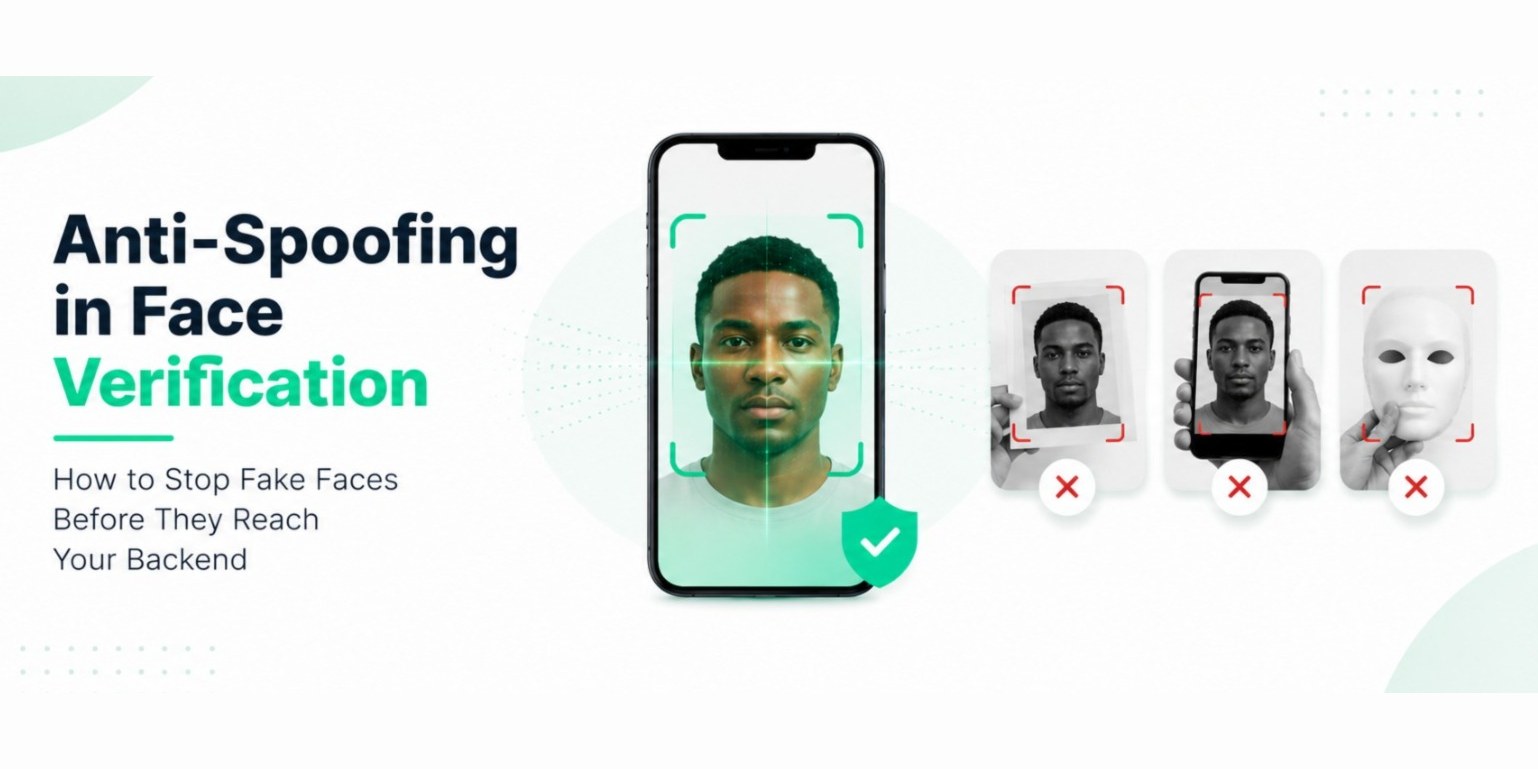
Security-minded developers: stop the common fake-face attacks in your onboarding flow with layered checks that run on the phone, and know exactly where the limits are. This guide explains how face anti-spoofing works, which layer defends which attack and what no vendor should promise.
See the layers in action. Create a free account and run a capture in the sandbox. No card needed. Start free
01What spoofing is
A spoofing attack presents something that is not a live face as if it were one, to pass a check meant for a real person. The standard name for the defence is presentation attack detection. The international standard ISO/IEC 30107-3 defines how these attacks are classified and tested.
If you have not read it, start with Face Liveness Detection Explained for passive and active liveness. This article goes deeper on the attacks.
02The attacks you should plan for
- Printed photo. A paper photo held to the camera.
- Static screen replay. A photo shown on a phone or tablet.
- Video replay. A recorded video played on a screen.
- Live relay. A live video call shown to the camera.
- Gesture spoofing. Tilting the device to fake a head movement.
- Camera injection. A virtual camera or a software feed that replaces what the camera sees.
03Why one detector is not enough
Each detector catches some attacks and misses others. A texture check is good at printed photos and weaker against a high-quality screen. A challenge such as a blink defeats a still image but not a video of the right gesture. So robust systems stack layers, and the result reflects every layer.
04The layers, and what each one catches
This is how Veris Capture is built, from the public security page.
- Quality gate. Twelve image checks run before anything else, so poor input never reaches the later stages.
- Human face validation. Geometry and contour checks confirm a real human face structure.
- Passive liveness. Texture analysis and an on-device neural anti-spoof check look for signs of prints and screens in a single moment.
- Light-reflection analysis. The screen emits a randomised colour sequence and the session checks that the scene physically reflects it. A screen cannot reflect it, and flat media reflect it in a way a real face does not. This also hurts live relay attacks, since a relayed screen cannot reflect a sequence it never saw.
- Active challenges. Randomised blink, nod and head-turn prompts, with device-motion correlation so the movement must come from the head, not the phone.
- Injection detection. Camera attestation and frame-timing analysis look for virtual cameras.
- Signed results. Each outcome is signed with a key held in the device's secure hardware, so a result cannot be forged, replayed or altered in transit.
Which layers run depends on your plan: passive liveness and light-reflection from Launch, one active challenge round on Scale and two to four on Pro. See pricing.
05What the layers do not do
Honest limits are part of the design, so here they are.
- Not an independent certification. The attack coverage above reflects internal testing against the attack classes in ISO/IEC 30107-3. Independent testing is on the Veris roadmap and the results will be published, whatever they are.
- Not a deepfake detector. Veris does not claim to detect AI-generated faces or high-end 3D masks.
- Not an identity check. Liveness shows a real person is present. It does not show who they are. For that you need a document read and a face match.
- Not a replacement for your own controls. Rate limits, attempt caps and manual review of low-confidence cases still matter.
Anyone who promises that no spoof can pass is selling a promise, not a product.
06How to use anti-spoofing well in your flow
- Decide the risk per action. Passive liveness may be right for signup. A large transfer may warrant active challenges.
- Verify the signed result on your server, and reject replays with a one-time nonce.
- Cap attempts. A bot that cannot pass will try many times, so limit retries per user and per device.
- Send uncertain cases to review instead of forcing a pass or a fail.
- Test on bad phones in bad light, since quality problems look like spoofs.
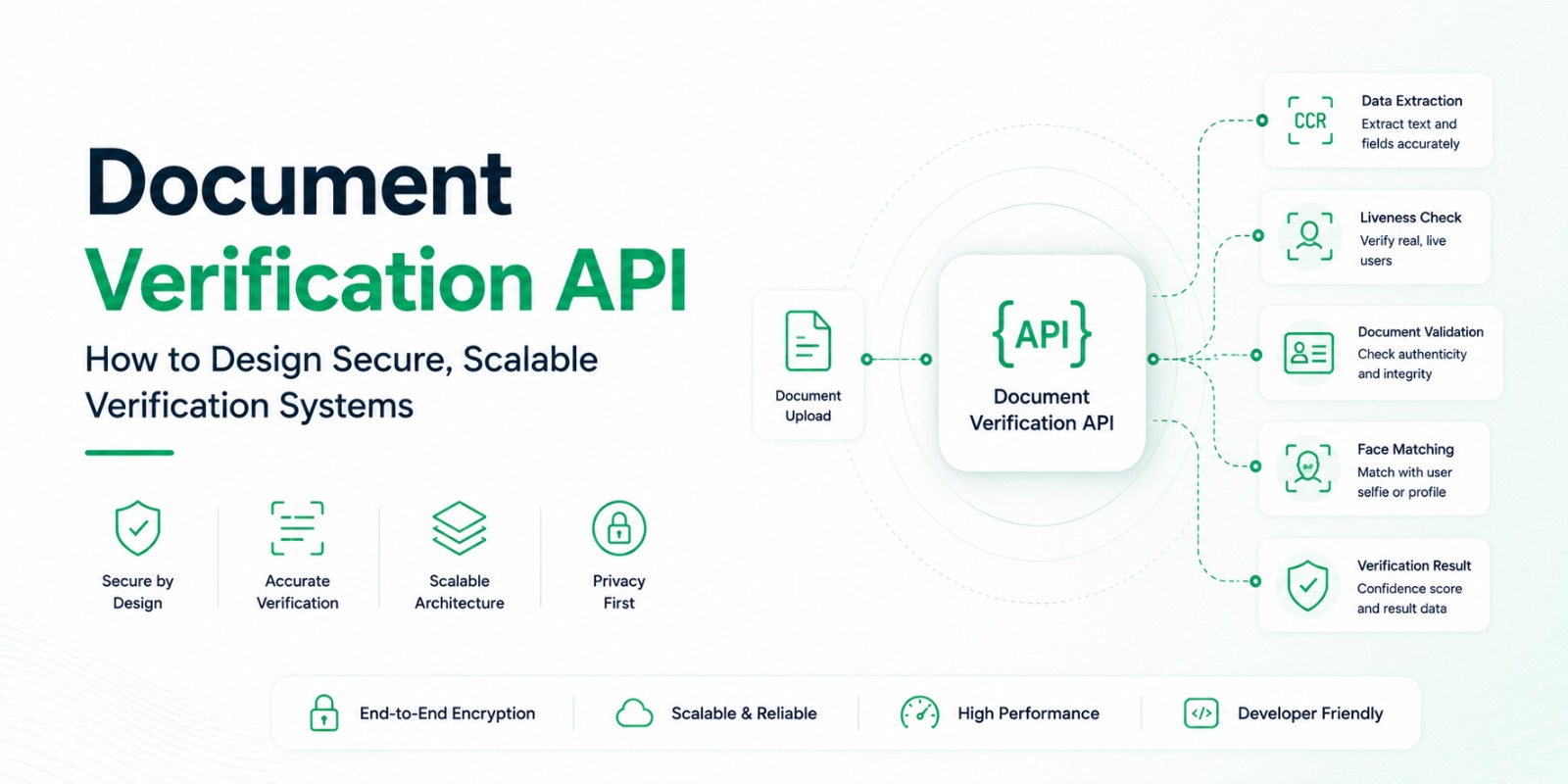
For the backend pattern, see Document Verification API Design.
07What waiting costs you
Without liveness, a photo of a photo can open an account. Each fake account is a risk you carry, and the later you add the check the more existing users you have to re-verify. The attacks do not wait for a roadmap.
08What you get with Veris
- Layered on-device anti-spoofing, with a published list of the attacks it is built against.
- Signed, replay-protected results your server verifies.
- No images sent to Veris during capture.
- A free sandbox to test every layer your plan includes, and a flat bill from there.
09The doubts you probably have
"Is it certified?" Not independently yet, and we say so on the security page. You can test it yourself in the sandbox against the attacks you worry about.
"Will it fail real users?" Any liveness check can reject genuine people in poor conditions. The quality gate and clear messages reduce that, and you can allow retries and manual review.
"Do we need active liveness?" Only where the risk justifies the extra friction. Many flows use passive checks and add challenges for high-risk actions.
10Your next step
Write down the three attacks you most fear. Try each one against the sandbox, and decide which plan's layers you need.
Create your free Veris account · Free to start · no card · all three products. Details on the Capture page and the security page.
11FAQ
What is face anti-spoofing?
It is a set of checks that tell whether a face in front of the camera is a live person or a presentation such as a photo, a screen or a mask. It is also called presentation attack detection.
Can anti-spoofing stop deepfakes?
Not reliably, and Veris does not claim to. Layers such as light-reflection analysis and injection detection raise the bar for screens and virtual cameras, but no vendor should promise to catch every AI-generated face.
Is passive liveness enough?
For many onboarding flows, yes. For high-risk actions, adding active challenges raises assurance. Choose by risk.
Does anti-spoofing run on the phone or the server?
With Veris Capture it runs on the phone, so no face image is sent to Veris during capture.