Introduction
New to identity verification in Nigeria? Start with our complete developer guide.
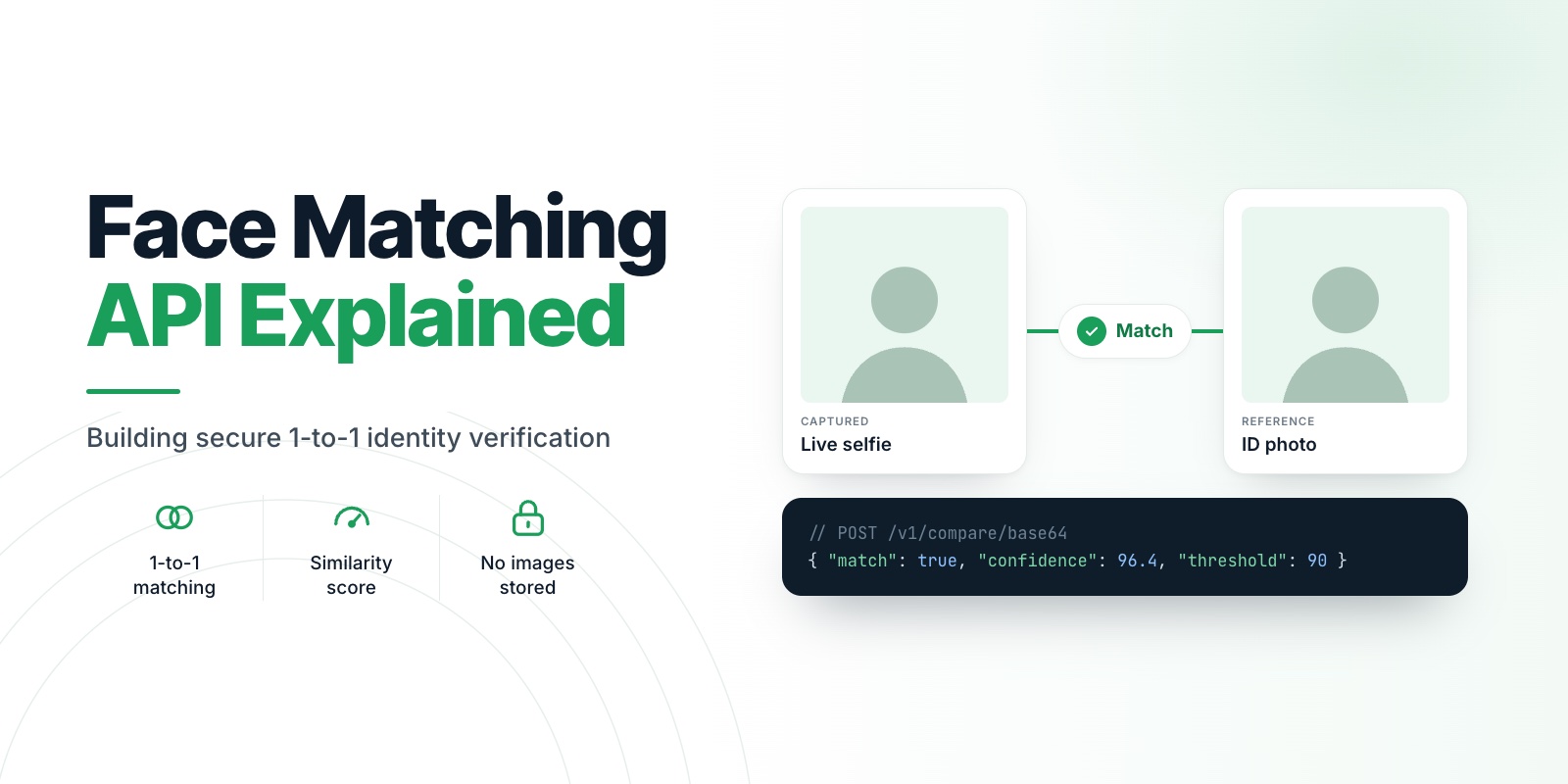
Developers: get an accept, review or reject on every selfie-to-ID match from one API call, with a threshold that fits your use case and without storing a single image. A face matching API takes two photos and answers one question: do these show the same person? This article shows what it returns, how to set the threshold and how to call it safely.
Test your first comparison in minutes. The free sandbox includes 10 Compare calls, enough to try real selfie and ID pairs from your own team. Start free
011-to-1 matching, not recognition
There are two different jobs people call "face recognition".
- 1:1 verification compares one face against one other face. "Is the person holding this phone the person on this ID?" This is what an onboarding flow needs.
- 1:N identification searches one face against a collection to find who it might be. That requires a stored database of faces.
Veris Compare is 1:1 only. You send two images, you get an answer, and nothing is kept. There is no gallery of faces to leak, which keeps both your risk and your compliance scope small. We write more about this in the complete developer guide.
02What goes in
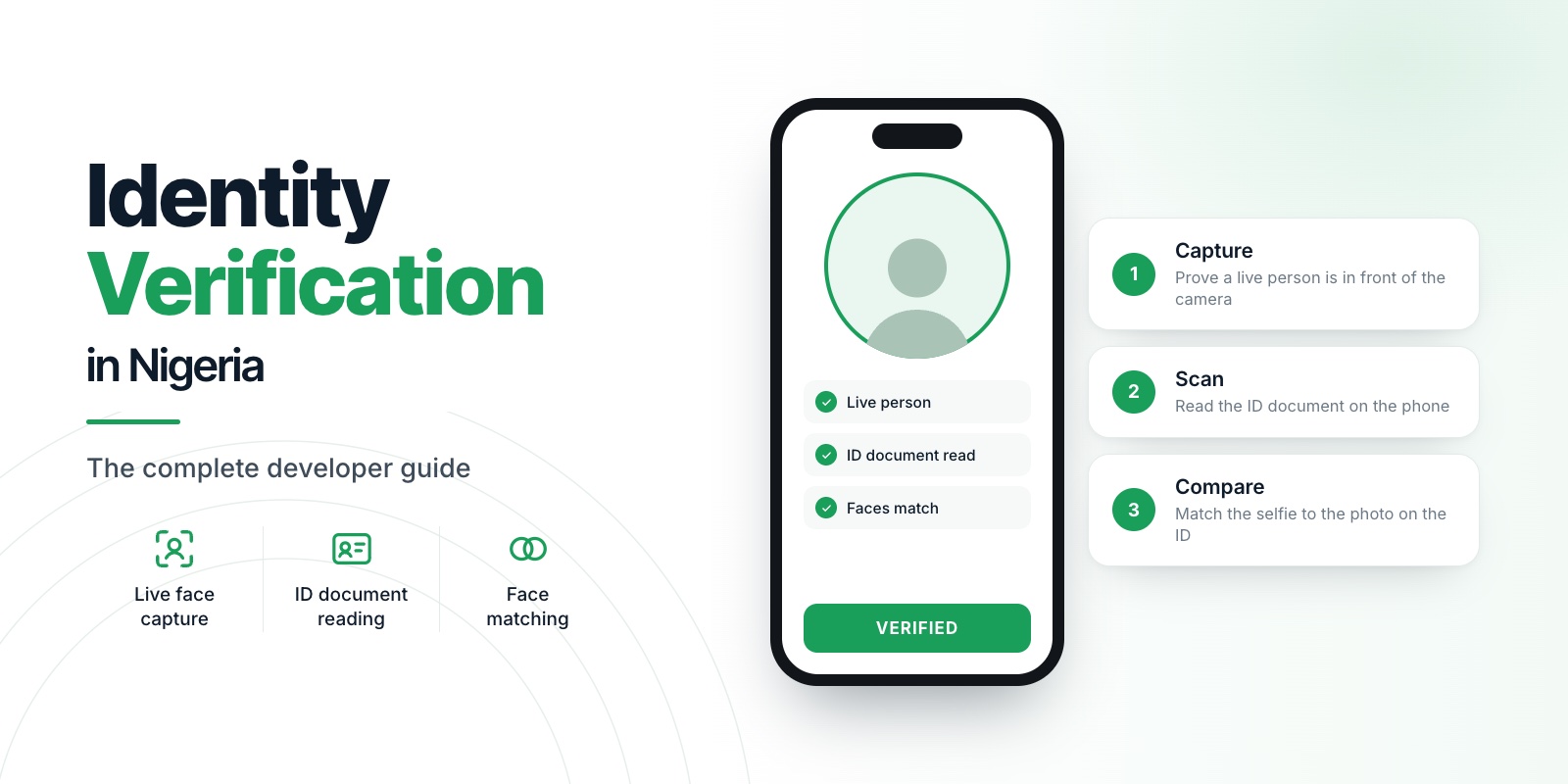
Most onboarding flows send two images from the backend:
- the captured image: a live selfie from a capture step with liveness checks
- the reference image: the face printed on the user's ID document
Both must be JPEG or PNG and no larger than 5 MB. The captured image should come from a session that has already passed liveness, because matching alone does not prove a live person was present. Read Face Liveness Detection Explained for why the order matters.
03What comes back
A Compare response contains the decision and the evidence behind it:
{
  "match": true,
  "confidence": 91.4,
  "threshold": 85,
  "use_case": "kyc_onboarding",
  "flags": ["medium_reference_quality"],
  "recommendation": "manual_review",
  "captured":  { "face_size_px": 480, "quality": "high" },
  "reference": { "face_size_px": 143, "quality": "medium" }
}- confidence is a similarity percentage from 0 to 100. Higher means more alike. It is a similarity measure, not the probability that the two people are the same.
- threshold is the similarity percentage used as the pass line for this request.
- match is true when the confidence is at or above the threshold.
- flags list conditions that make the result less reliable, such as a small or low-quality reference photo, a face turned away from the camera, or, when age estimation is enabled for your account, an estimated age under 18.
- recommendation is
accept,manual_revieworreject.
Notice that a result can be a match and still ask for manual review. A match means the similarity reached the threshold, and an accept recommendation needs a higher similarity than that and no quality concerns. In the example above the faces match, but the ID photo is small, so the API recommends a human look rather than silently approving.
04Choosing a threshold
A threshold is a trade-off. Set it low and you accept more impostors. Set it high and you reject more genuine people. There is no universal right number, because the right number depends on what you are comparing.
Compare takes a use_case that sets the threshold for you:
- kyc_onboarding (a live selfie against a government ID photo) uses the loosest threshold, because you do not control the ID photo. It may be years old, tiny, compressed or covered by a watermark.
- liveness_check (a live selfie against the face saved at onboarding) is stricter, because both images are recent selfies. Use it for step-up checks such as a password reset or a large transfer.
- user_photo (a live selfie against a photo the user uploaded) sits in between.
Call GET /v1/compare/use-cases to read the current values, since they can be tuned over time. You can also override with threshold as a similarity percentage if you have calibrated your own. Choosing the wrong preset is the most common cause of surprising rejections, so choose one deliberately. Treat the presets as sensible starting values, not guarantees: run your own sample pairs through the sandbox and adjust the threshold to what your users show you.
05Why reference photos are the weak link
Teams often blame the matching engine when the real problem is the ID photo. A Nigerian ID photo can be small, low resolution and years out of date. The response tells you when this is the case: a face_size_px below 80 is too small to match reliably, and flags such as low_reference_quality and small_reference_face say so directly.
Practical steps:
- Ask users to scan the document in good light so the extracted face is as sharp as possible.
- Treat
manual_reviewas a normal outcome, not an error. Route those users to a human or ask for a retake. - Show the user a plain explanation when they fail: "We couldn't match your selfie to your ID. Try again in brighter light, facing the camera."
06Calling it from your backend
Never call Compare from the app. The key that authorises the call must stay on your server.
const res = await fetch('https://compare.verisinfra.com/v1/compare/base64', {
  method: 'POST',
  headers: {
    'Authorization': `Bearer ${process.env.VERIS_LICENSE_KEY}`,
    'Content-Type': 'application/json',
  },
  body: JSON.stringify({
    captured_b64: capturedBase64,
    reference_b64: referenceBase64,
    use_case: 'kyc_onboarding',
  }),
});
const result = await res.json();
if (!res.ok) throw new Error(result.error);
Handle the errors that matter:
FACE_NOT_DETECTED: no clear face in one or both images. Ask for a new capture.IMAGE_TOO_LARGE,INVALID_IMAGEandINVALID_IMAGE_ENCODING: compress, convert or re-encode before sending.QUOTA_EXCEEDED: your included comparisons are used up for the cycle.COMPARE_ENGINE_BUSYandCOMPARE_ENGINE_UNAVAILABLE: retry with backoff. Quota is not charged for these.
Only a comparison that succeeds counts against your quota, so failed and retried calls are free.
07Keeping it secure
- Keep the key on the server and rotate it if it is ever exposed.
- Do not log image data, and do not write the images to disk. Compare itself deletes them after every request; your own server should do the same.
- Store the decision, the score and a timestamp, not the faces.
- Record which
use_caseand threshold you applied, so you can explain a decision later.
The full request lifecycle is in Document Verification API Design. To see the endpoint in context, read the Veris Compare page.
08What a wrong threshold costs you
A threshold is a business decision disguised as a number.
- Too strict: genuine customers are rejected. Each one is a signup you paid to acquire and then lost, plus a support ticket.
- Too loose: impostors get through. Each one is fraud you carry.
- Wrong preset for the situation: a threshold that suits a ten-year-old ID photo is wrong for a step-up check on a fresh selfie.
Most teams get this wrong by picking one number and using it everywhere. Using a preset per scenario fixes the most common mistake on day one.
09Why teams pick Compare
- A decision, not just a number. Every response carries an accept, review or reject recommendation and plain-English flags that explain why.
- Presets built for the real scenarios. KYC onboarding, step-up checks and user photos each have their own threshold.
- It tells you when the ID photo is the problem. Face size, pose and quality are in every response, so you ask for a better capture instead of blaming the user.
- Failed calls are free. Only a comparison that succeeds counts against your quota.
- No images kept. They are processed in memory and deleted after every request.
- A bill with a ceiling. Compare is included on every plan, from 15 comparisons a month on the free Spark plan to 30,000 on Pro, and extras stop at a fixed amount.
10The doubts you probably have
"Will it work on our ID photos?" ID photos are often small and old, which is why the KYC preset uses a looser threshold and the response flags a weak reference. We cannot promise your results without seeing your data, so test with your own users in the sandbox before you commit.
"Ten sandbox calls is not enough." It is enough to prove the integration and try your hardest cases. When you are ready for more, the free Spark plan gives you 15 comparisons a month in production, and Build gives you 500.
"What if we hit the limit?" On Launch and above, extras stop at a ceiling you can see. After that, comparisons pause until your next cycle, or continue from prepaid credit if you turn the wallet on. You choose in advance.
"Can we switch providers later?" It is one HTTP call from your backend. Keep the integration behind one function in your code and it stays easy to change, in either direction.
11Your next step
Do the one-hour test. Create a free account, send ten real pairs, and read the confidence, flags and recommendation for each. If the results fit your users, you have just replaced a project with a single API call.
Create your free Veris account · Free to start · no card. See how it fits the rest of the flow on the Compare page.
12FAQ
What is a good face match score?
It depends on what you compare. For a live selfie against a government ID photo, a lower threshold is appropriate because ID photos are old and small. For a live selfie against a recent selfie, use a stricter one. Use the preset that matches your scenario rather than one number everywhere.
Is the confidence score a probability?
No. It is a similarity percentage. A score of 91 does not mean a 91% chance the two people are the same. Treat it as a ranking of how alike the faces are, and set your threshold from testing on your own users.
Does face matching work on dark skin and in low light?
Image quality matters more than the person. Poor light, small faces and extreme angles reduce accuracy for everyone, which is why the response reports face size, pose and quality so you can ask for a better capture.
Does Veris store the images I send to Compare?
No. They are processed in memory and deleted at the end of every request, including requests that fail.