Introduction
New to identity verification in Nigeria? Start with our complete developer guide.
KYC onboarding is often the first real interaction a customer has with your product. Whether you're building a digital bank, fintech app, lending platform, investment product, insurance portal, crypto exchange, healthcare app, or enterprise platform, your onboarding experience decides whether users finish signing up - or quietly abandon.
Many companies spend heavily to acquire customers, then lose a large share of them during identity verification because the flow is slow, confusing, or over-complicated. Good onboarding should make verification feel effortless while keeping fraud out.
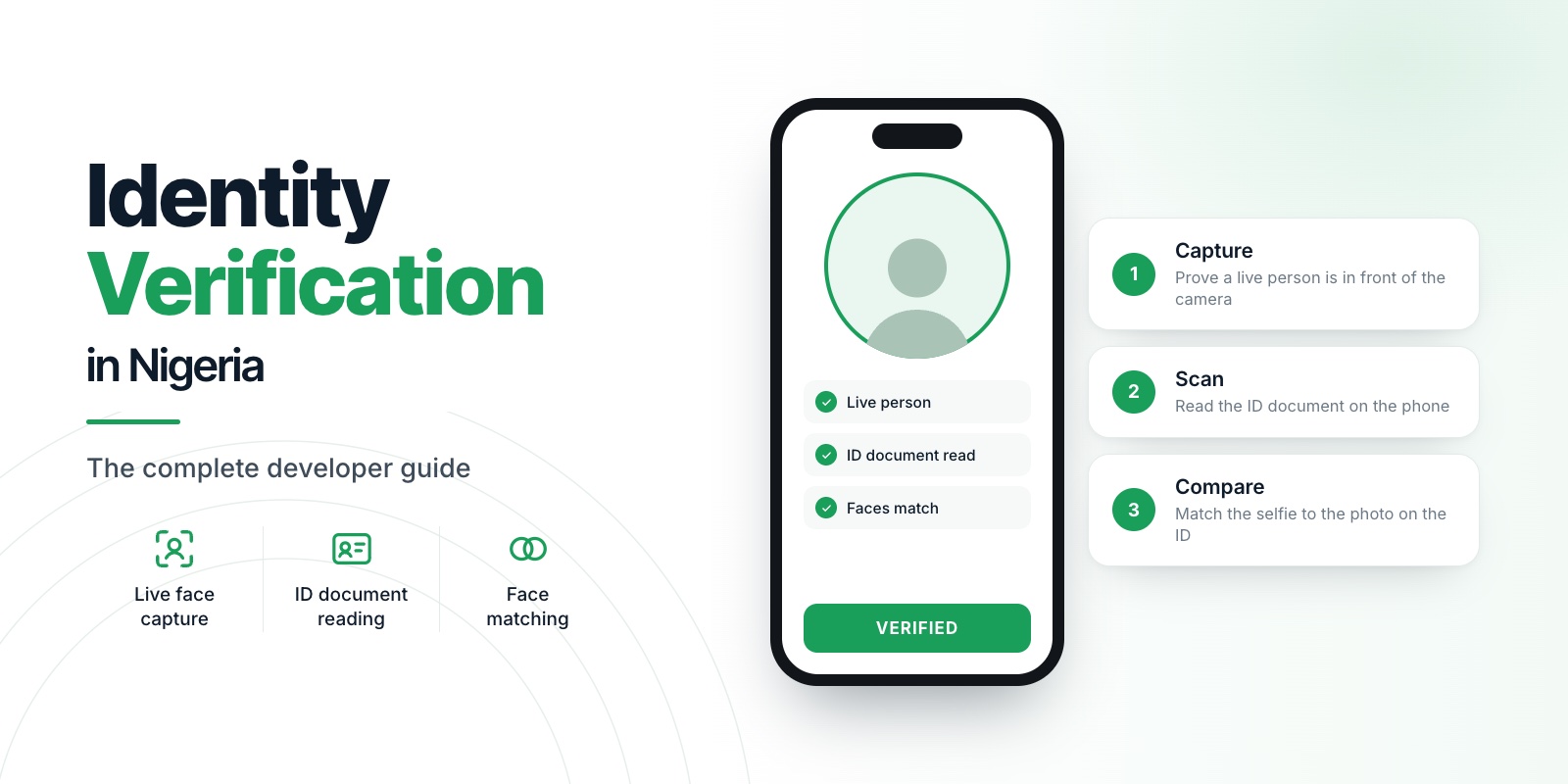
At Veris we believe security and user experience should reinforce each other. Veris Capture, Veris Scan, and Veris Compare let you build complete KYC flows behind one API key - on a privacy-first architecture where no biometric data is ever stored.
01Why KYC Onboarding Matters
KYC is more than a regulatory box to tick - it's the foundation of customer trust. A good flow verifies identity, prevents fraud, reduces fake accounts, protects existing customers, meets regulatory requirements, and creates a positive first impression. Every unnecessary screen or failed step raises the odds a legitimate user gives up before finishing.
02Why Users Drop Off
Most onboarding journeys fail because they optimise for compliance and forget usability. The usual culprits: too many steps, confusing instructions, slow document scanning, poor camera guidance, repeated failures, long loading times, excessive information requests, and weak mobile optimisation. Every extra obstacle costs you conversion.
03Start With the Simplest Possible Flow
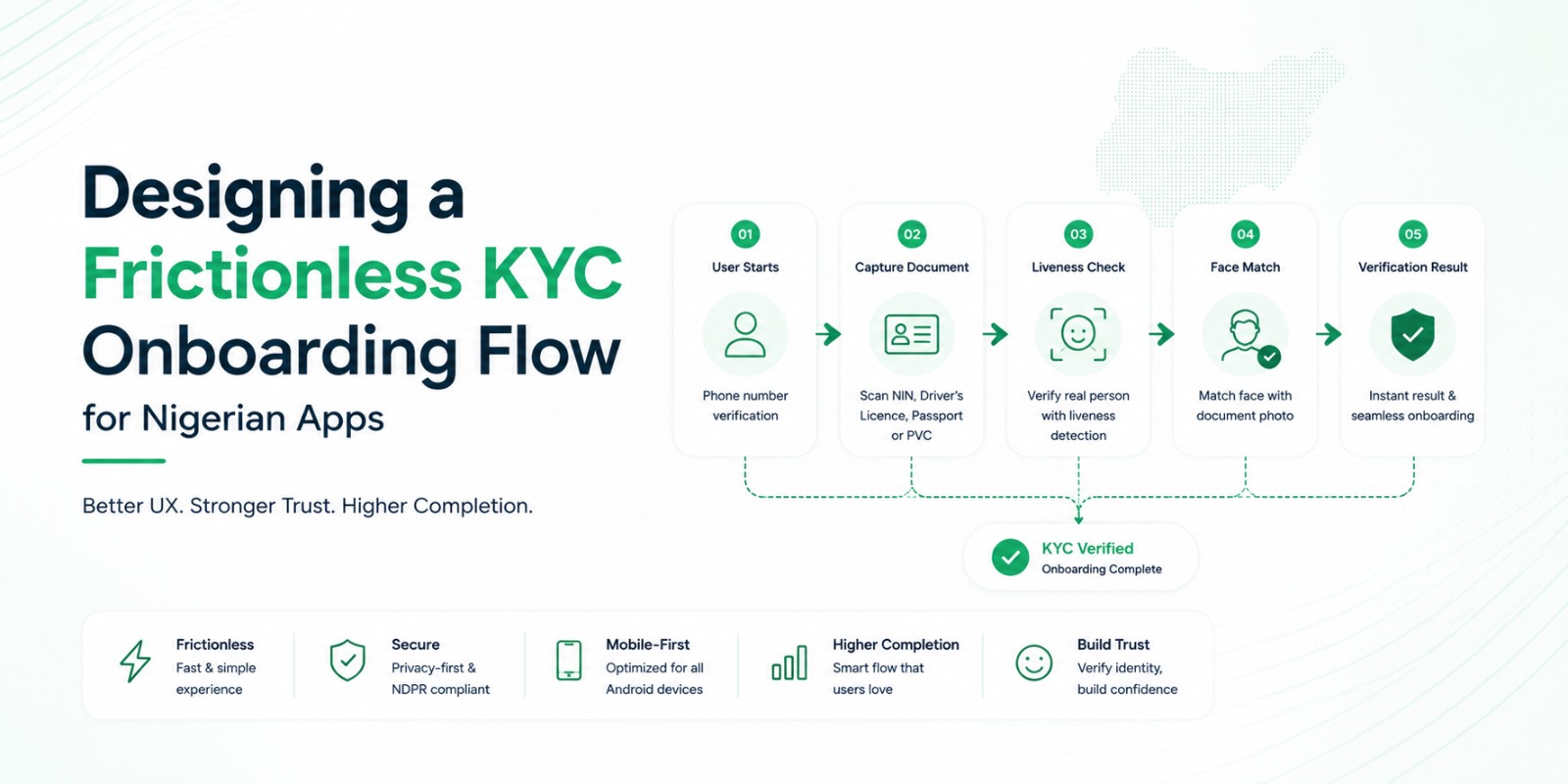
A good journey feels natural. For most apps:
Create an account
Capture a live selfie
Run passive liveness
Scan the identity document
Verify the face against the document
Complete onboarding
Users should always know what happens next - clear progress indicators reduce uncertainty and lift completion.
04Make Face Capture Simple
Face verification shouldn't feel intimidating. Give short, clear guidance before opening the camera: look directly at it, keep your face in the frame, remove sunglasses, hold steady, ensure decent lighting. Avoid walls of instructional text.
With Veris Capture, passive liveness runs on-device - most users just look at the camera, with no need to blink, smile, or perform gestures. For high-risk flows you can enable an optional active challenge, but the default stays fast and accessible.
05Reduce Manual Data Entry
Typing details off an ID is slow and error-prone. Extract them automatically instead. Veris Scan reads Nigerian documents - NIN Slip, National ID Card (NIMC), Driver's Licence, International Passport, Voter's Card (PVC), and utility/address documents like electricity, water, and waste bills and bank statements - and can pre-fill your registration forms, improving both speed and accuracy.
06Verify Before Granting Access
OCR alone doesn't verify identity. A secure flow compares the live user against the document portrait. Veris Compare performs 1:1 matching and returns a similarity score your business rules can use. Liveness + OCR + matching together sharply reduce identity fraud.
07Build for Nigerian Mobile Devices
Many flows are tested only on flagships. Real users rely on entry-level Android phones, limited RAM, older cameras, and slow networks - and your app has to stay responsive there. Veris Labs continuously evaluates onboarding performance across the devices common in Nigeria and Africa, because building for real users lifts both satisfaction and verification success.
08Provide Helpful Error Messages
Failures should help users recover, not frustrate them. Instead of "Verification Failed," say what to do: improve lighting, capture the full document, hold the phone steady, move closer, remove glare. Clear guidance cuts repeat failures.
09Use Progressive Verification
Not every user needs full verification immediately. Many successful apps stage it - basic registration, then identity verification, then address verification, then extra checks for higher limits. This reduces friction while keeping security proportional to risk.
10Privacy Builds Trust
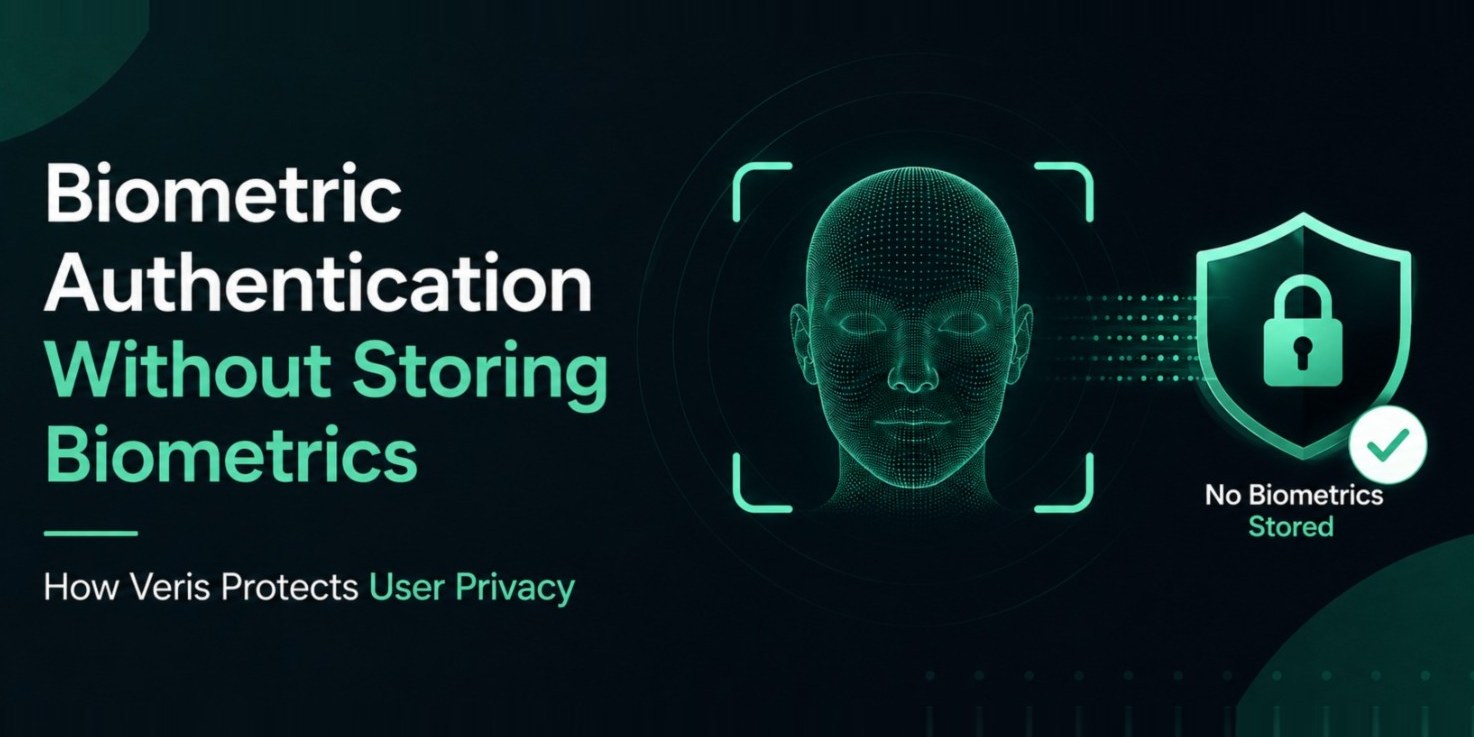
Customers increasingly notice how their data is handled. Explain why verification is required, what you collect, how it's protected, and what you don't store. A core Veris principle - biometric data is never stored - reduces risk and strengthens confidence, and it makes NDPR alignment (minimisation, consent, secure transmission, retention, access control, audit logging) far easier when privacy is considered during design rather than after launch.
11Common Onboarding Mistakes
Requesting too much information upfront
Requiring multiple document uploads
Forcing users to repeat failed steps unnecessarily
Poor mobile optimisation
Weak camera guidance
Ignoring low-bandwidth conditions
Using separate providers for each step
A streamlined experience improves both conversion and security.
12Key Takeaways
The best KYC onboarding is one users barely notice. It combines fast liveness, automatic OCR, secure face matching, helpful guidance, strong mobile performance, and privacy-first, NDPR-aware design.
By combining Veris Capture, Veris Scan, and Veris Compare, you can raise completion rates while reducing fraud - and across every product: no biometric data is ever stored.
13Frequently asked questions
How do I reduce drop-off during KYC onboarding?
Minimise steps, extract document fields automatically, use passive liveness with no gestures, give clear camera guidance and helpful error messages, and adopt progressive verification.
Does passive liveness make onboarding faster than active challenges?
Yes. Users just look at the camera with no blink or turn steps, which lowers friction and abandonment. Optional active challenges can be added for high-risk sessions.
Does Veris work on low-end Android phones?
Yes. The SDKs are tuned for entry-level devices, slow networks, and poor lighting common across Nigeria.