Introduction
New to identity verification in Nigeria? Start with our complete developer guide.
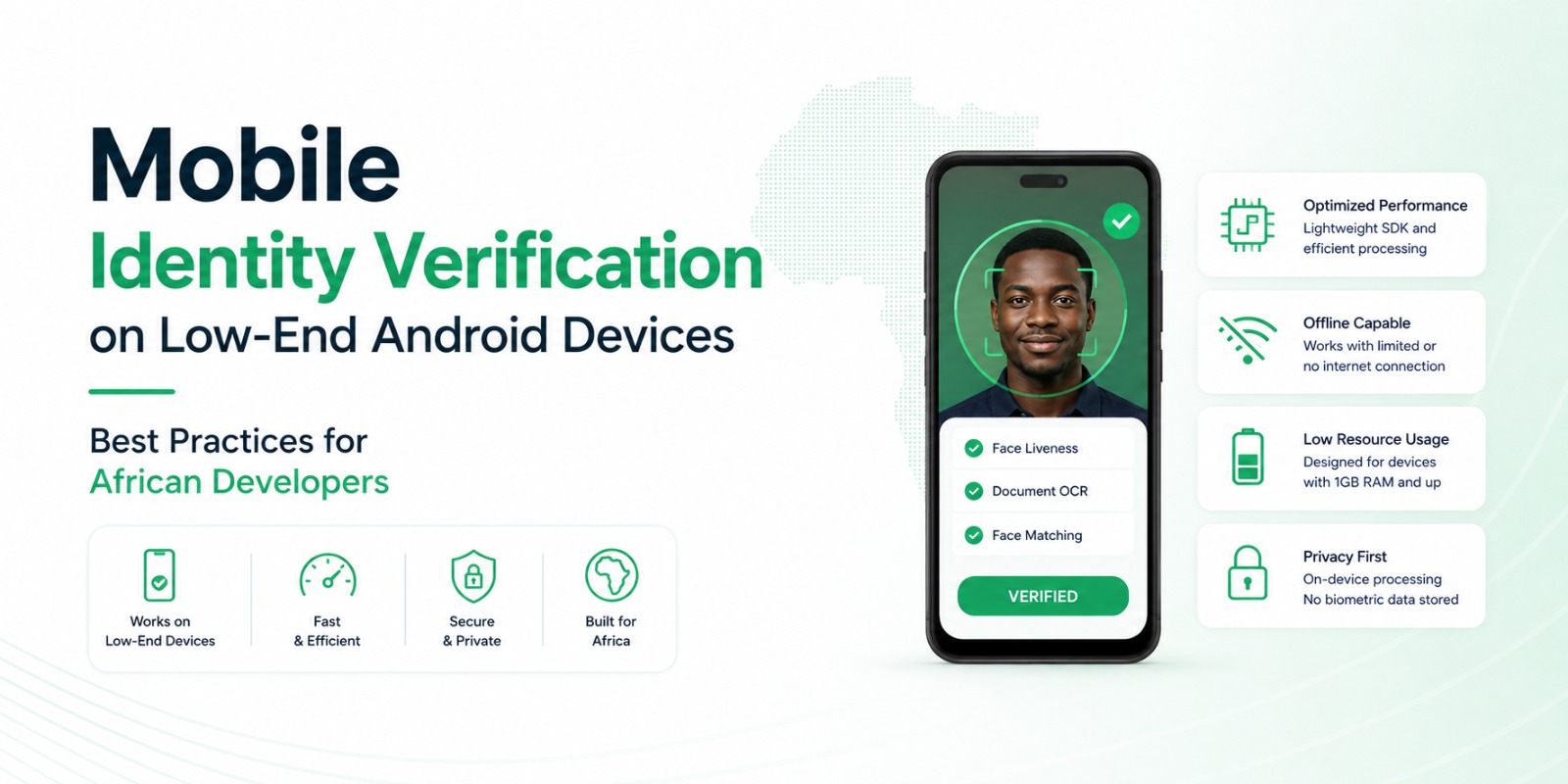
Mobile identity verification should work for every customer - not just the ones with the latest phones. Across Nigeria and much of Africa, millions rely on entry-level Android devices with limited memory, slower processors, lower-quality cameras, and patchy connectivity.
Yet many verification solutions are built and tested on flagships, then shipped globally. The result on the devices that matter most: sluggish apps, frozen cameras, failed OCR, slow face verification - and customers who abandon onboarding before creating an account.
At Veris, every product is built with African mobile conditions in mind. Veris Capture, Veris Scan, and Veris Compare are designed to perform reliably across a wide range of Android hardware behind one API - and Veris never stores biometric data.
01Why Low-End Devices Matter
Optimising only for premium phones means ignoring a large share of your potential customers. Real users often run 2-3 GB of RAM, older Android versions, entry-level processors, lower-resolution cameras, limited storage, and aggressive battery-saving. Onboarding has to stay consistent regardless of hardware.
02Common Performance Challenges
Verification combines camera processing, image analysis, OCR, networking, and encryption - and poor optimisation quickly overwhelms older hardware. Watch for slow camera startup, delayed capture, high memory use, long OCR times, frame drops, crashes, excessive battery drain, and slow responses. Each one costs you completions.
03Optimise Camera Performance
The camera is the foundation of the flow. Use appropriate capture resolutions instead of unnecessarily large images, avoid redundant image processing, cut camera-initialisation time, minimise repeated autofocus, and compress efficiently before upload. A responsive camera makes the whole experience smoother.
04Design for Poor Networks
Many users are on unstable connections, so keep working when bandwidth is scarce: compress uploads, retry failed requests automatically, show upload progress, resume interrupted uploads, and avoid unnecessary requests. Fast apps aren't the ones with the fastest internet - they're the ones that use available bandwidth efficiently.
05Reduce Memory Usage
Older Android aggressively kills memory-hungry apps. Release camera resources immediately after use, avoid loading images you don't need, process efficiently, remove unused background tasks, and watch allocation during testing. Efficient memory management improves stability across the board.
06Build Better OCR Experiences
Document capture is often the slowest part of onboarding. Veris Scan is optimised for Nigerian documents on entry-level devices. Guide users to capture in good lighting, keep the document in frame, hold steady, avoid reflections, and capture the whole document - good image quality cuts processing time and improves accuracy.
07Keep Face Verification Fast
Slow verification frustrates customers. Veris Capture runs passive liveness on-device before Veris Compare performs matching, reducing network round-trips and improving responsiveness. The sequence - passive liveness, document capture, extraction, comparison, done - keeps things quick, and combining all three products creates a faster overall experience.
08Test on Real Devices
Testing only on flagships produces misleading results. Keep a set of entry-level Android phones that mirror your customers' hardware. Veris Labs continuously evaluates performance across the devices used throughout Nigeria and other African markets - real-world testing surfaces problems long before customers hit them.
09Improve User Guidance
A fast engine can't rescue confusing instructions. Simple prompts lift success rates: hold your phone steady, move closer to the document, improve lighting, keep your face in the frame, remove glare. Helpful guidance reduces repeat attempts and speeds verification.
10Privacy by Design
Performance never has to come at privacy's expense. Veris keeps liveness on-device, stores no biometric templates, encrypts requests, leaves the decision with you, and processes only what's required - which also keeps NDPR alignment (minimisation, secure communication, retention, access control, audit logging, consent) straightforward.
11Common Developer Mistakes
Testing only on flagship phones
Uploading unnecessarily large images
Excessive background processing
Keeping camera resources open
Ignoring network failures
Vague error messages
Storing biometric data you don't need
Small improvements at each stage add up to a much better experience.
12Key Takeaways
A successful mobile verification platform works reliably across every device your customers use - which means optimising for entry-level Android, limited memory, poor networks, and lower-quality cameras, alongside fast OCR, passive liveness, and secure matching.
By combining Veris Capture, Veris Scan, and Veris Compare, you can deliver fast verification across the diverse mobile landscape of Africa - and across every product: no biometric data is ever stored.
13Frequently asked questions
Why does identity verification fail on low-end Android phones?
Large image captures, high memory use, and heavy processing overwhelm entry-level hardware, causing slow cameras, failed OCR, and crashes. Optimised SDKs and capture settings fix most of it.
How do I keep verification fast on slow networks?
Compress uploads, retry and resume automatically, run liveness on-device to cut round-trips, and avoid unnecessary requests.
Is Veris optimised for African devices?
Yes. Veris Labs continuously tests performance on the entry-level Android phones common across Nigeria and Africa.